Share and embed
The link, the QR code, a sign ready to print, and the form on your own website.
Every webform has its own page. This guide covers the ways to get people to it: the link, the QR code, a sign ready to print, and a copy of the form on your own website. A form’s Results count the link, QR codes (signs included), your website and keywords separately, so you can see which works best.
Open the form and click the Share tab, or Share at the top once it’s live.
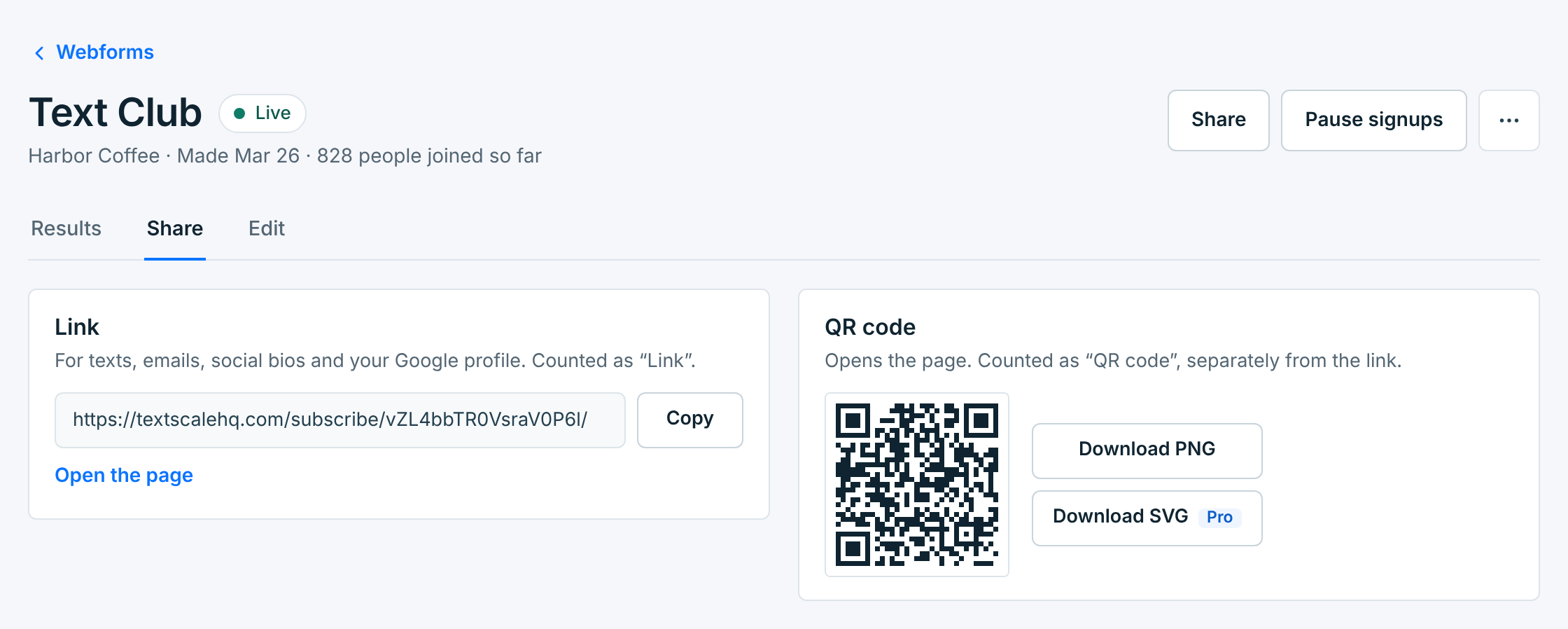
You can share a form before it’s live. Until you press Go live, its link and QR code show “This form isn’t live yet”, so you can print signs ahead of time.
The link#
Use it in a text, an email, a social bio or your Google business profile. Copy puts it on your clipboard, and Open the page shows it the way visitors see it. People who join from it are counted as Link.
The QR code#
Scanning it opens the form’s page. People who join this way are counted as QR code, separately from the link, so you can tell how many came from something printed.
| Download | Use it for |
|---|---|
PNG |
Most printing and anything on a screen. Every plan. |
SVGPro |
Big signs and banners: it prints sharp at any size. |
Scan the code with a phone before you print a batch. Codes printed before October 2026 open the plain link, so their scans count as Link. Print them again from here to count them as QR code.
Print a sign#
A sign ready to print, with the headline, the QR code, the keyword, and the fine print carriers ask for: how often you text, that rates may apply, HELP and STOP, and your terms and privacy links.
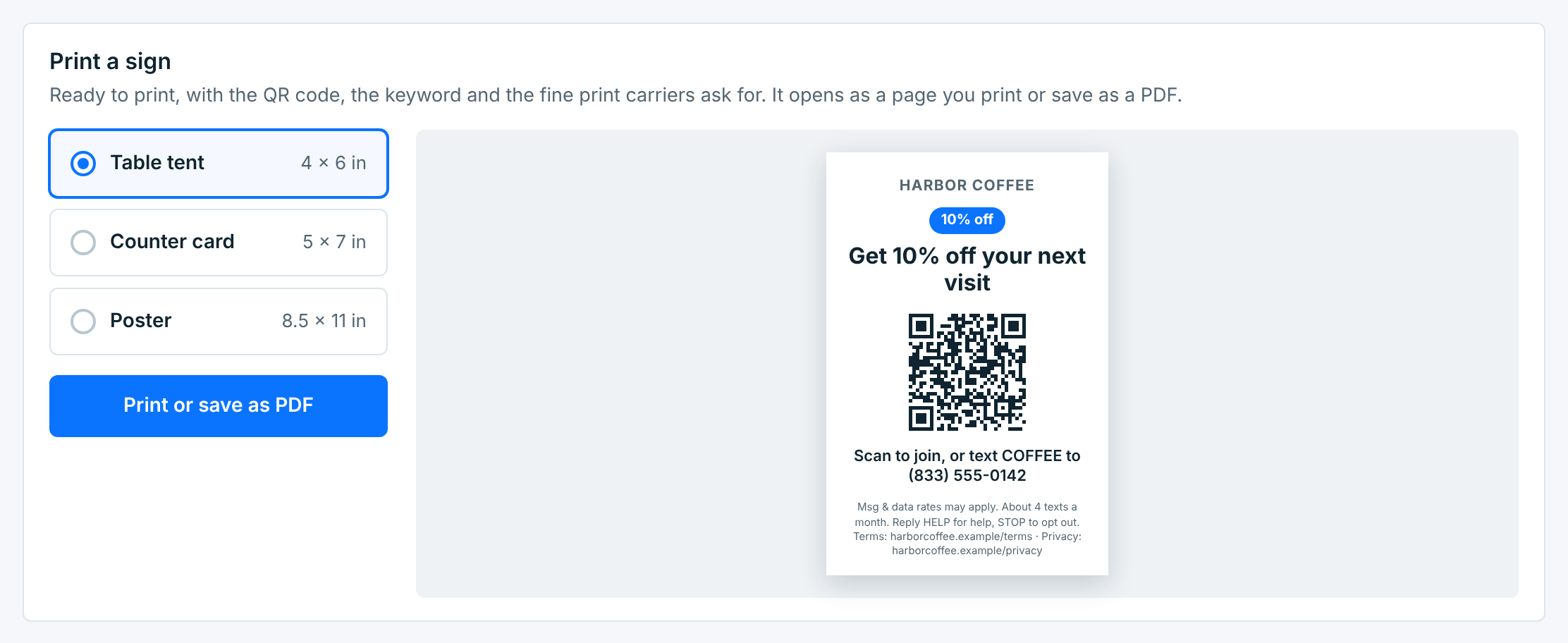
Pick a size: Table tent (4 × 6 in), Counter card (5 × 7 in) or Poster (8.5 × 11 in). Print or save as PDF opens the sign on its own page:
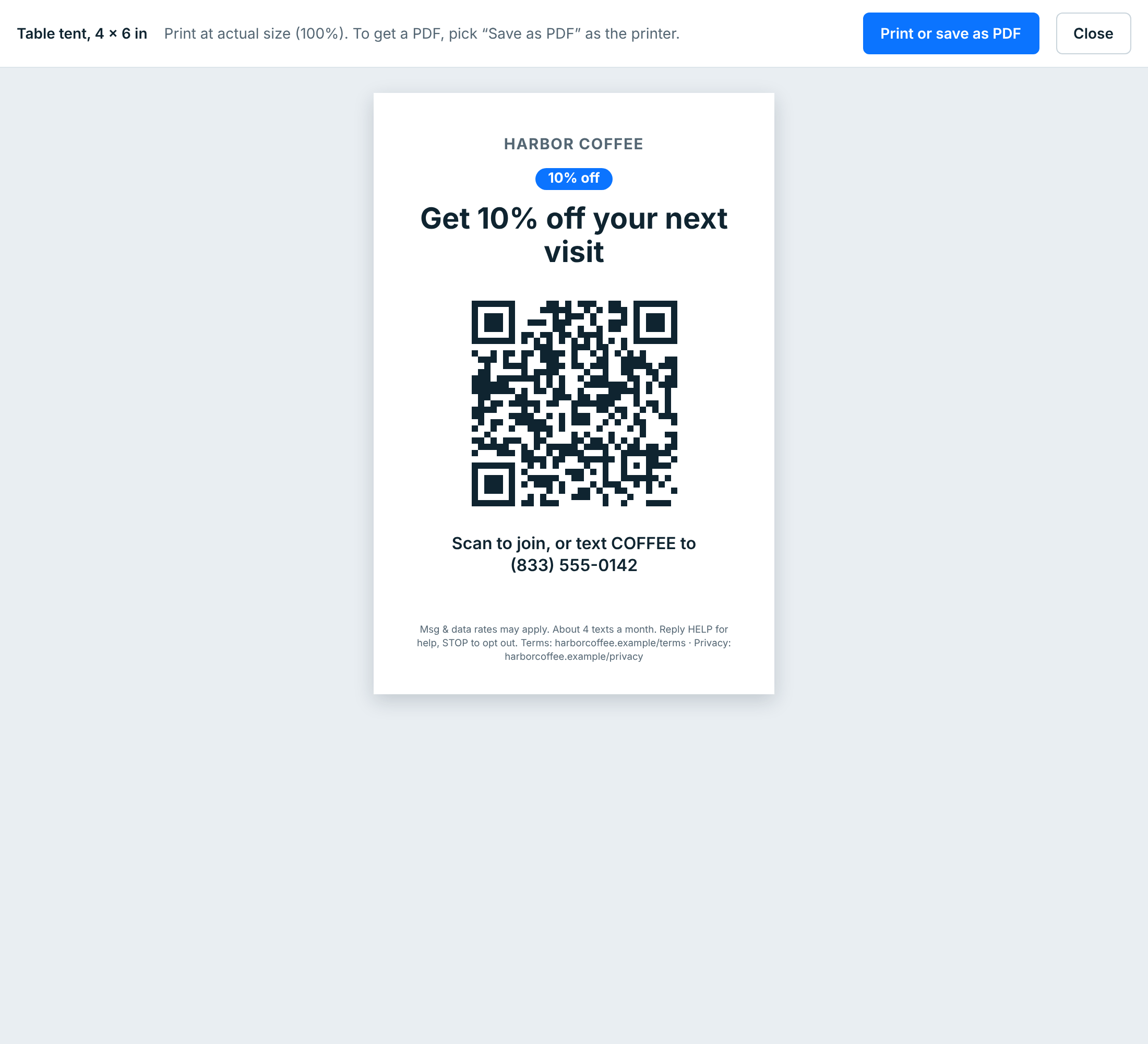
Print it at actual size (100%). To keep a PDF, or send it to a print shop, pick Save as PDF as the printer. The sign’s words come from the form’s Wording, so change them on the Edit tab first.
Put it on your website#
Paste the code where the form should appear on your own site: WordPress, Squarespace, Wix, Shopify or plain HTML. Visitors join without leaving your site, and they’re counted as Your website.
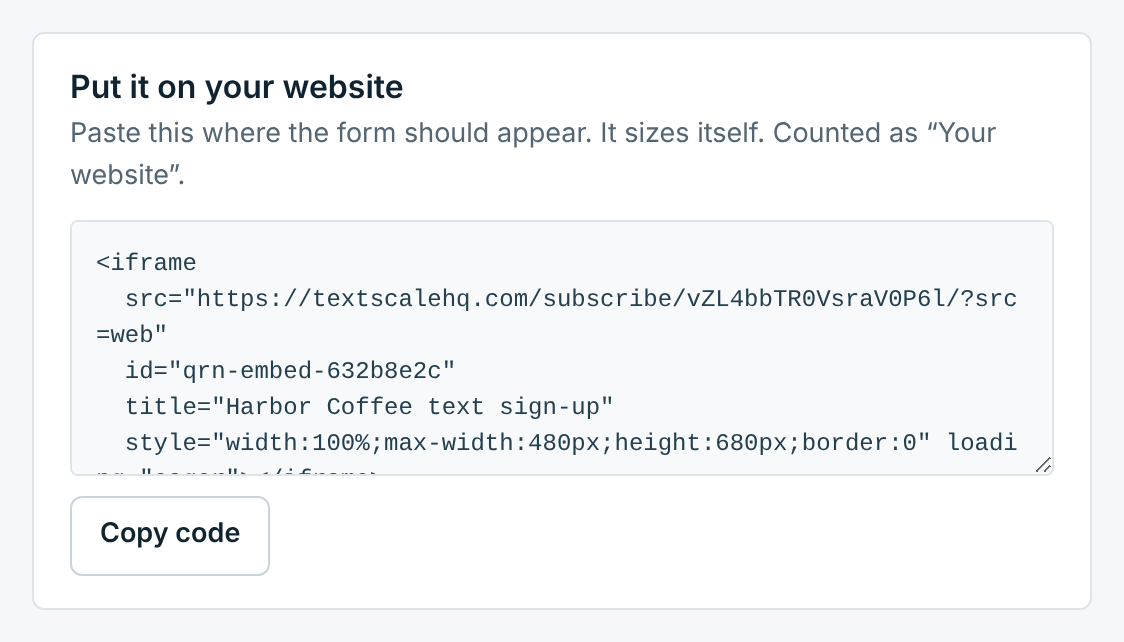
Copy code copies all of it. The form sizes itself to fit, so there’s no height to set. If your site builder won’t take a script, paste it into an HTML or code block.
The keyword#
When the form has a keyword, Share also shows it, with a small QR code that opens the texting app with the keyword typed in. See Keyword opt-in.