Business slots and plan limits
How many businesses and contacts each plan allows, what counts, and what happens at the limit.
Each plan allows a number of businesses and a number of contacts. Both are per account, across all your businesses.
| Plan | Businesses | Contacts |
|---|---|---|
Starter |
2 | 500 |
Growth |
5 | 2,500 |
Pro |
Unlimited | Unlimited |
The 30-day free trial runs at Starter’s allowance: 2 businesses and 500 contacts.
What counts#
The first and last tiles on the Businesses screen show where you stand.

- Businesses counts the businesses that are on. A paused business doesn’t use a slot, and neither does one waiting to be deleted, since it is paused until then.
- Subscribers counts subscribed contacts in every business, paused ones included. People who opted out don’t count.
Pausing a business frees a business slot but not its contacts. Its subscribers still count toward your contact allowance, because they are still on your account and can be texted again the moment you resume it.
The New business form tells you before you create one, for example “Uses 1 of your 2 free business slots on Growth.”
When you reach the limit#
With every slot in use, New business explains the choice instead of opening the form:
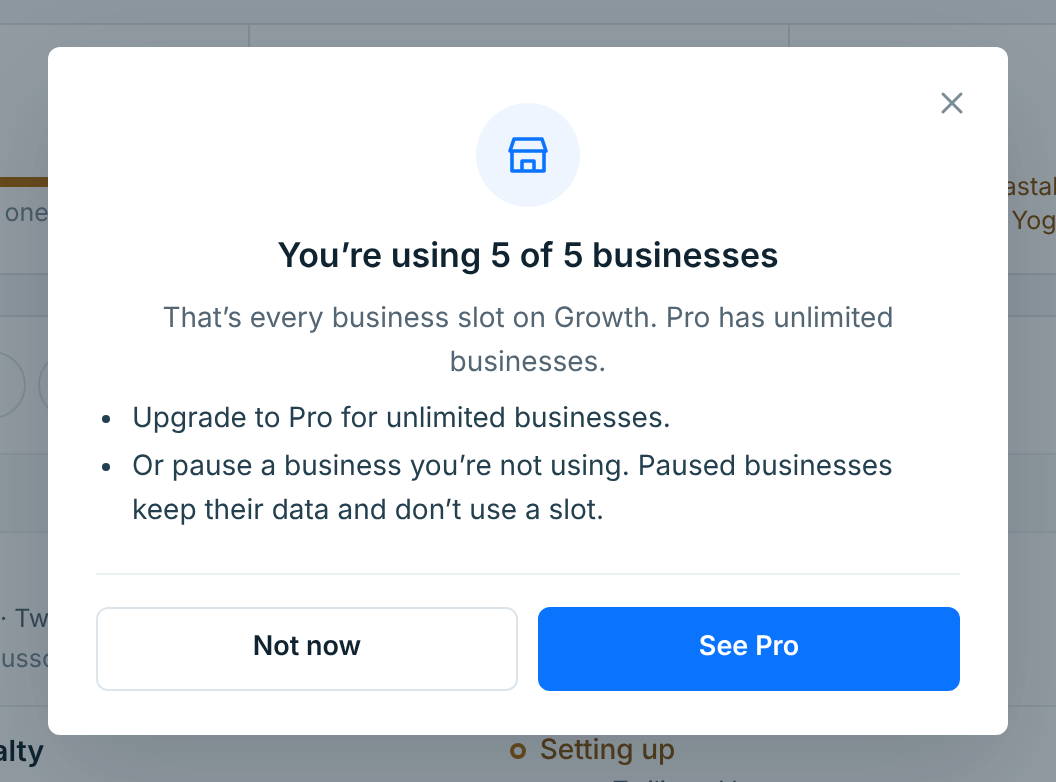
- Upgrade. The button takes you to the next plan up in Account. On Pro there is no limit.
- Or pause a business you aren’t using. Paused businesses keep all their data and don’t use a slot. See Edit, pause and delete a business.
The same rule applies to resuming. At the limit, a paused business’s Resume button is greyed out, and pressing it says why:
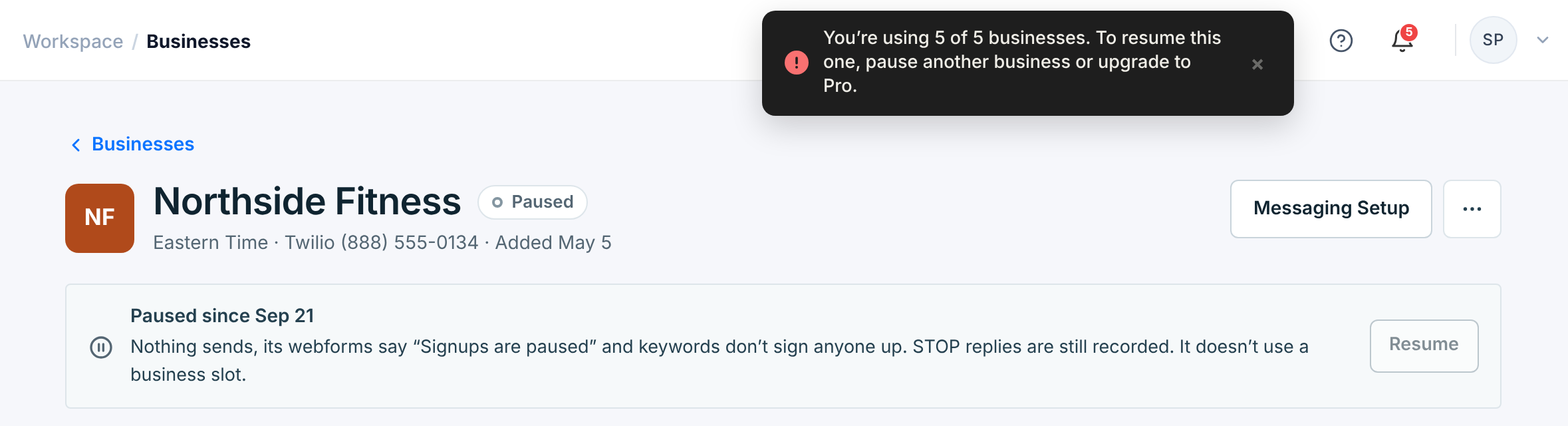
Pause another business, or upgrade, and Resume works again.