Keyword opt-in
Let people join by texting a word to your number, and what happens when they do.
A keyword lets people join by texting a word to your number, like COFFEE, without opening a page. It belongs to a webform: they join the form’s business, get its welcome text and its tags, and show up in its Results as Keyword.
Add a keyword#
Open the form, go to Edit, and find Keywords. Type a word, click Add, then Save changes.
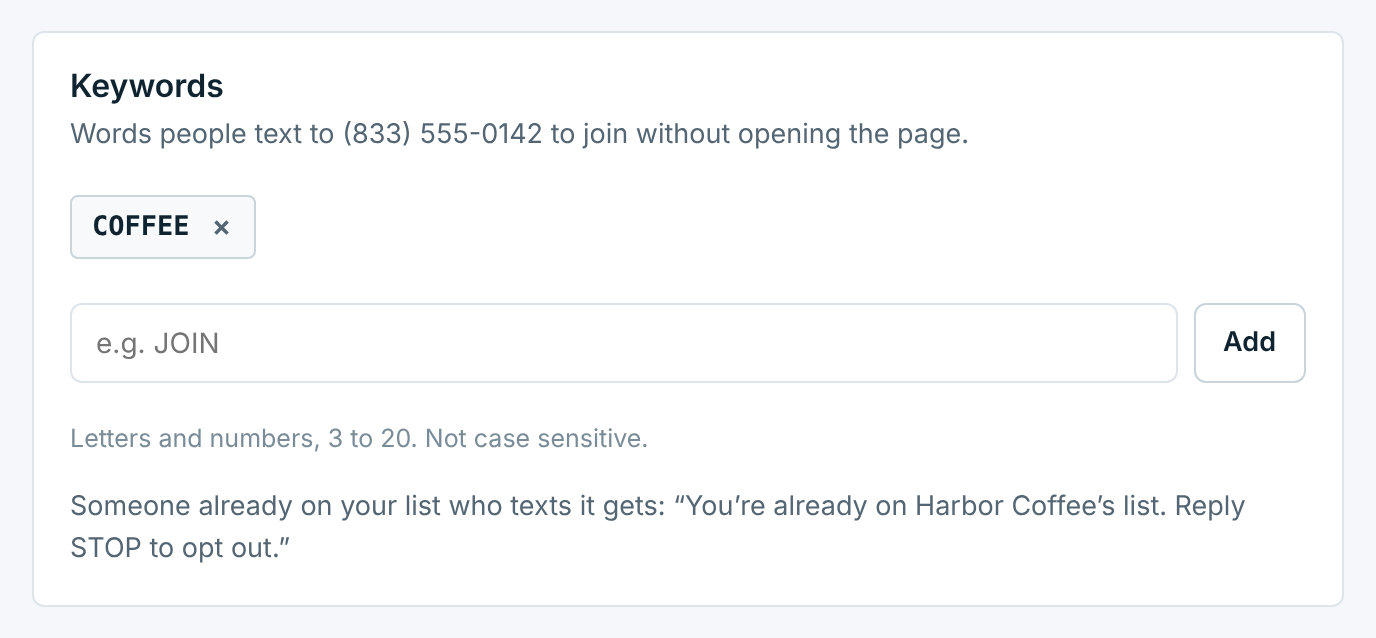
| Rule | What it means |
|---|---|
3 to 20 letters or numbers |
Spaces and punctuation are taken out: join now becomes JOINNOW. |
Capitals don't matter |
Texting coffee or Coffee works for COFFEE. |
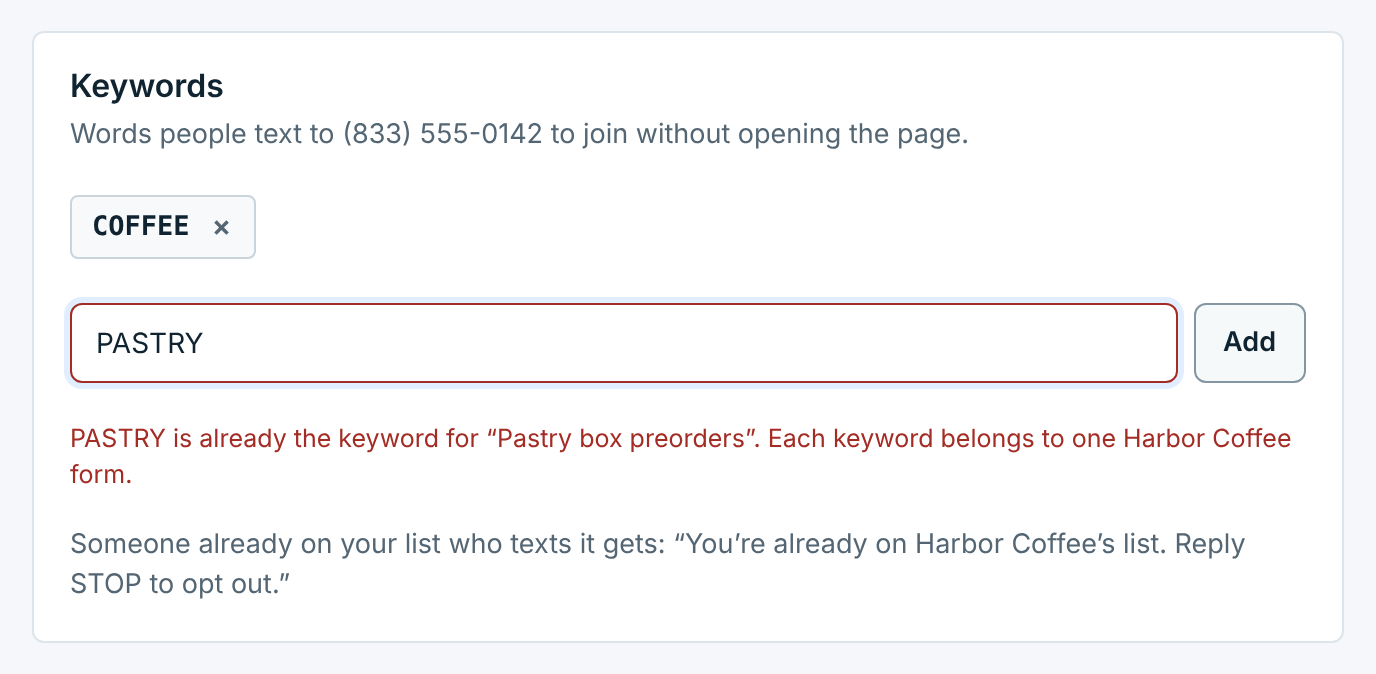
One form per keyword |
Two forms of the same business can’t share a keyword, even if one is paused. Different businesses can use the same word, since each texts from its own number. |
Up to 10 per form |
Handy for a misspelling people often make, or one word per sign. |
Not a carrier word |
STOP, STOPALL, UNSUBSCRIBE, CANCEL, END, QUIT, REVOKE, OPTOUT, START, UNSTOP, YES, HELP and INFO already mean something to carriers, so they can’t be join words. Nor can a word with STOP, UNSUBSCRIBE, OPTOUT or REVOKE next to a number, like STOP2WIN: a reply with one of those in it opts people out. |
A word that can’t be used says why straight away:
Pick a word that’s short, easy to say out loud and hard to misspell. Stay away from words close to the carrier ones: STARTER is allowed, but people may text START instead.
Show people the keyword#
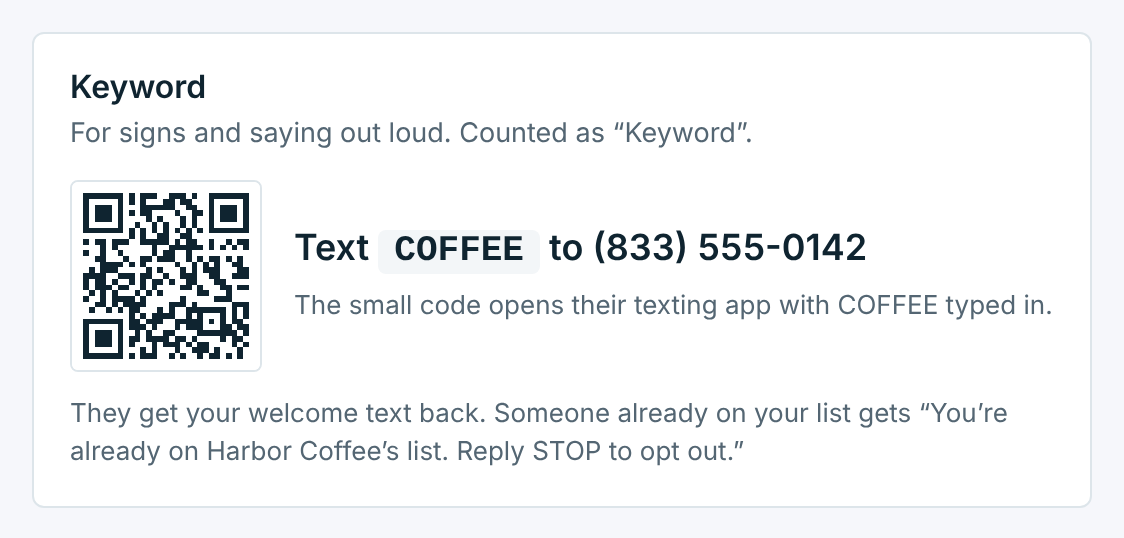
The form’s Share tab shows the keyword and your number, with a small QR code that opens the texting app with the keyword already typed in:
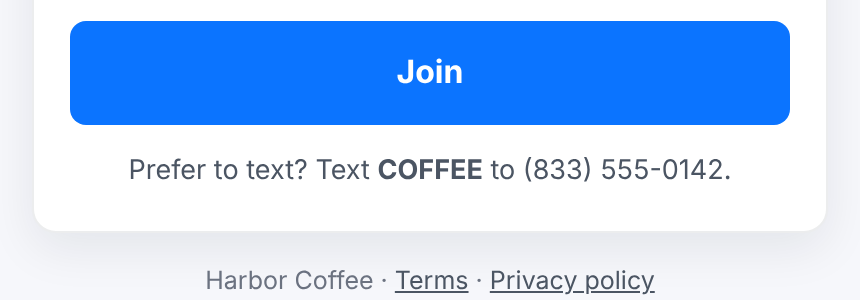
It’s also printed on the signs from Print a sign, and the form’s page offers it under the button:
What happens when someone texts it#
Only the first word counts, so COFFEE please works and Hi COFFEE doesn’t.
| Who texts it | What happens |
|---|---|
Someone new |
They’re subscribed to the business and get the form’s welcome text straight away. The form’s tags are added. |
Someone already on your list |
They get “You’re already on Harbor Coffee’s list. Reply STOP to opt out.” (at most once a day) and no second welcome. The form’s tags are added. |
Someone who opted out |
Nothing, and they stay opted out. See Opt-outs, STOP and START for how they come back. |
Anyone, when your contact limit is full |
They aren’t added, and get “Harbor Coffee can’t add new subscribers right now.” at most once a day. |
Anyone, while the form is paused |
Nobody is signed up. They get “Harbor Coffee isn’t taking signups by text right now.” at most once a day, unless you turned that off (see Pause signups). Someone already on your list gets the “already on” reply instead, and someone who opted out gets nothing. |
Anyone, while the form isn't live yet |
Nothing: nobody is signed up and there’s no reply. |
Anyone, while the business is paused |
Nothing, whatever the form says. |
Texting a keyword is consent, but carriers also want the terms where people see the word. Print them beside it: how often you text, that rates may apply, and HELP and STOP. The signs from Print a sign already carry this.
Anyone who joined by keyword can reply STOP at any time, like everyone else.