Connect Make
Send contacts from a Google Sheet, or any Make app, with the HTTP module's Make a request.
Make can send contacts to TextScaleHQ from any of its apps. There’s nothing to install: Make’s own HTTP app posts each contact to your business’s webhook, after whatever trigger you choose.
This guide uses a Google Sheet, so every new row becomes a contact. The HTTP module is the same whatever starts your scenario.
Before you start#
- Have the business’s Webhook URL, Business ID and Secret open in another tab: Integrations › your business › Setup. See Your webhook.
- Only send people who agreed to get texts from the business. Your sheet or form needs a phone number for each person, and a way to know they agreed.
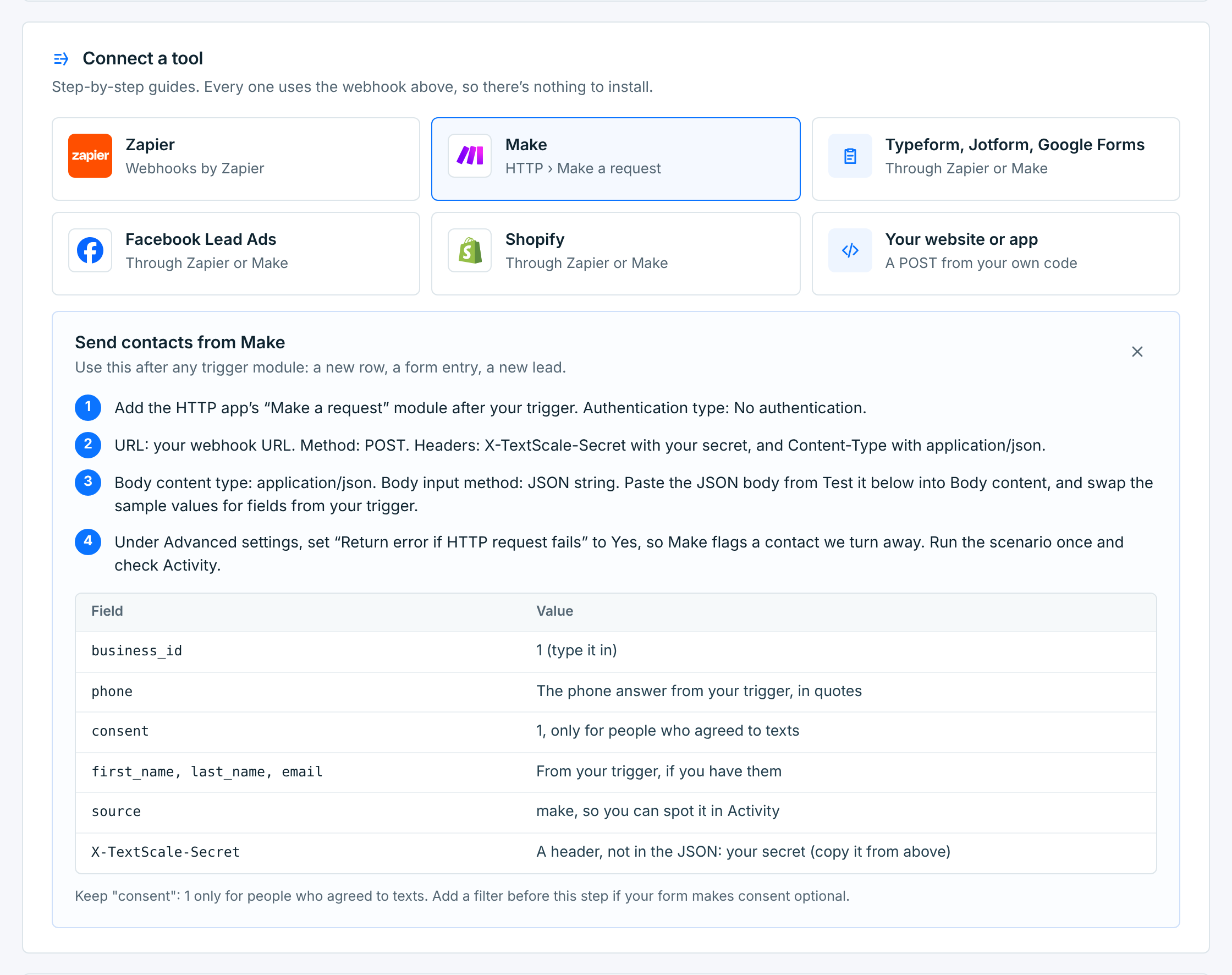
The Integrations page has the same steps in short: under Connect a tool, click Make.
1. Make a scenario#
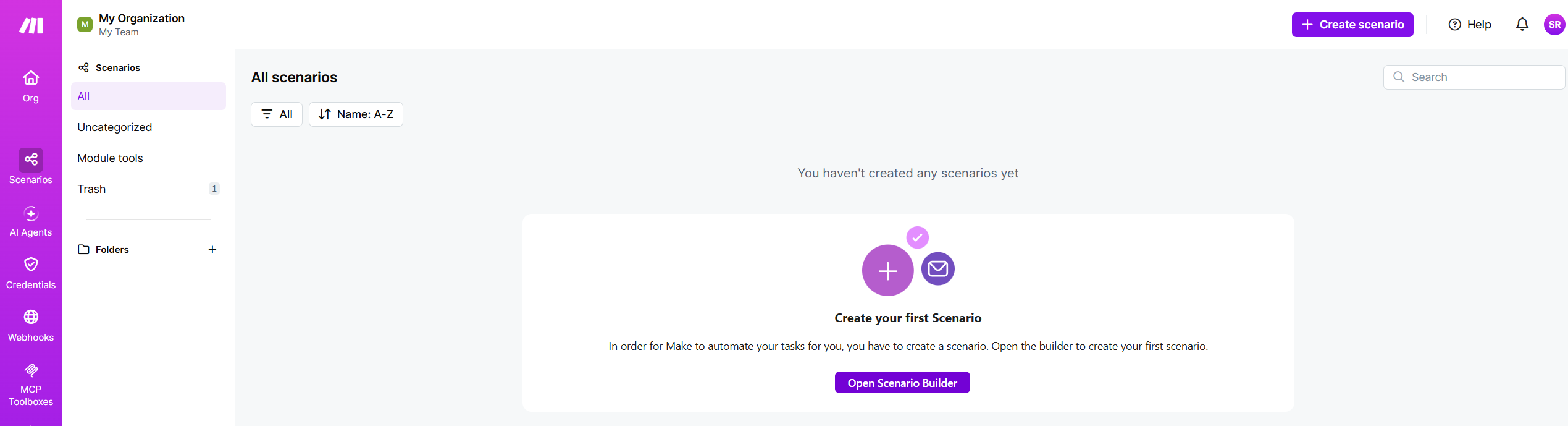
In Make, open Scenarios and click Create scenario (or Open Scenario Builder on your first one).
2. The trigger: new rows#
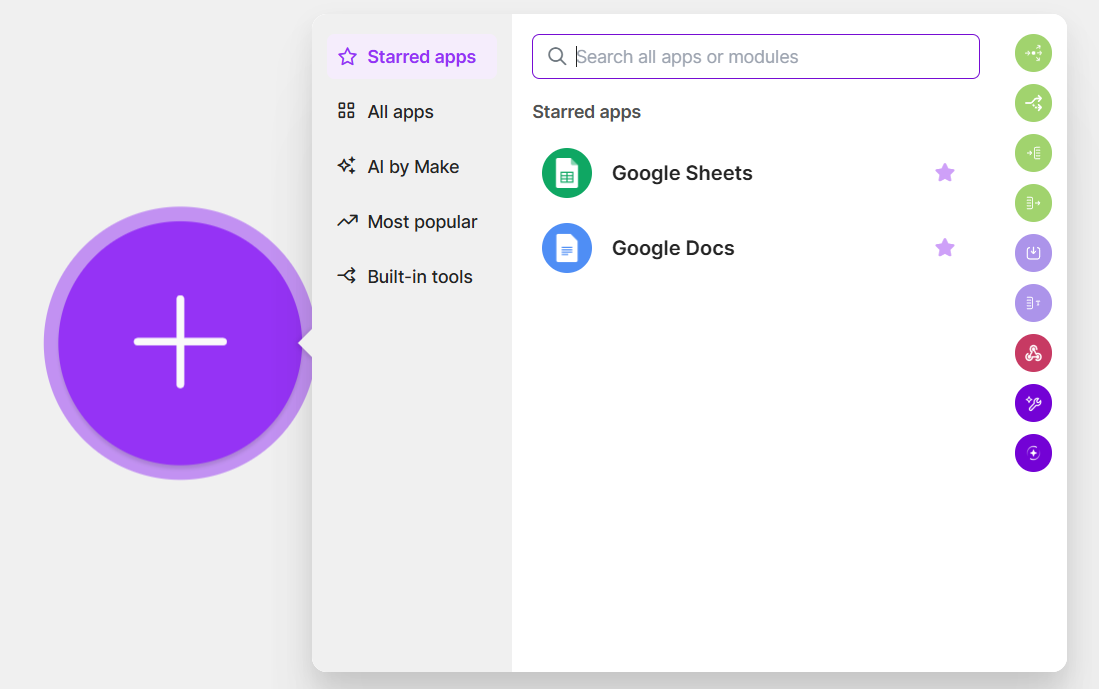
Click the big +, pick Google Sheets, then Watch New Rows, and connect your Google account.
Pick the spreadsheet and the sheet with your contacts. The sheet needs a header row, with a column for each thing you send, like phone, first_name and email. Run the module once so Make has a real row to pick columns from.
Watch New Rows only picks up rows added after you choose where to start. To bring in the people already in the sheet, import them as a CSV.
3. The HTTP module#
Click the + after Google Sheets, pick HTTP, then Make a request. Fill in:
| Field | What to put |
|---|---|
Authentication type |
No authentication. The secret goes in a header instead. |
URL |
Your Webhook URL, pasted. |
Method |
POST |
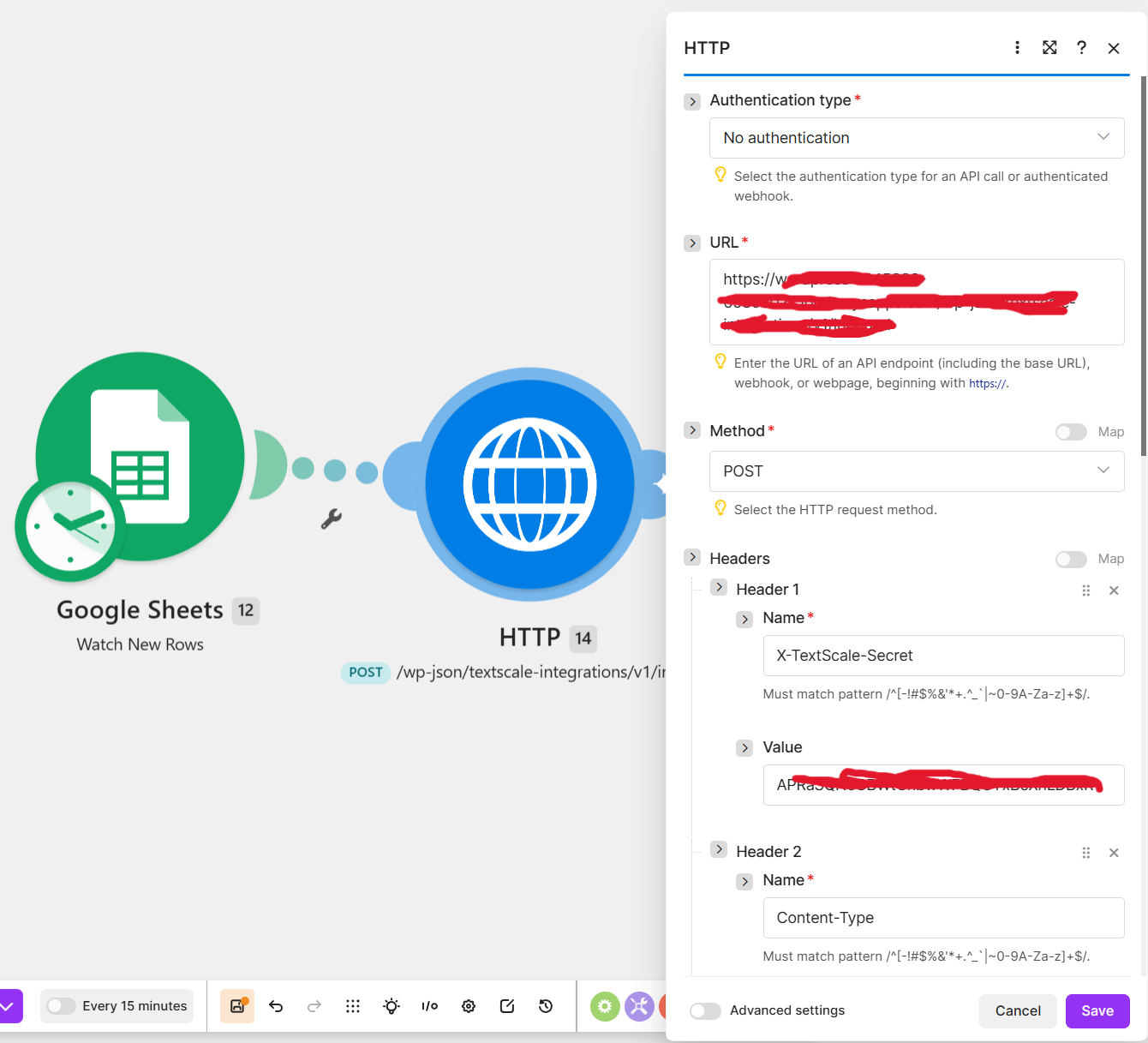
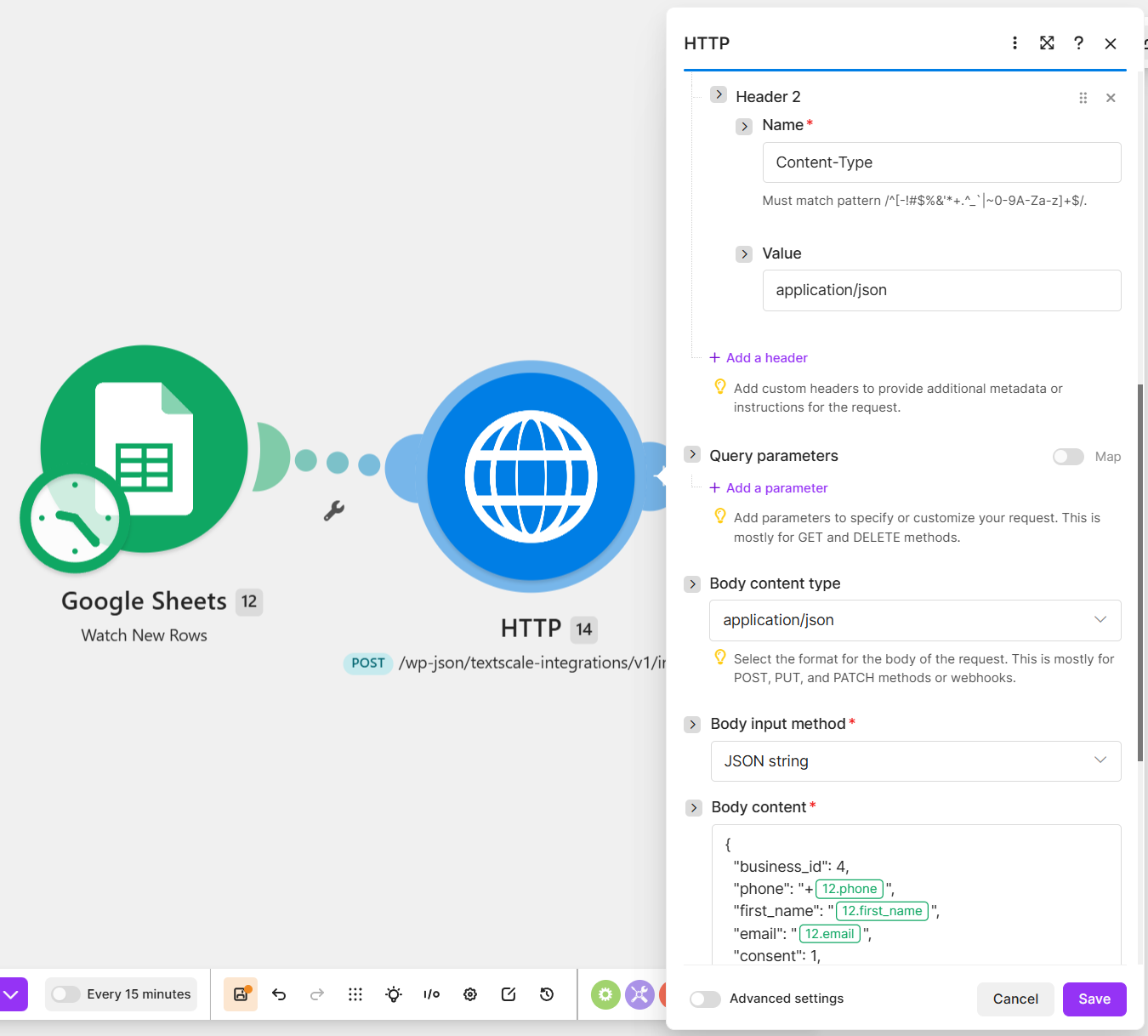
Under Headers, add two:
| Header | Value |
|---|---|
X-TextScale-SecretRequired |
Your secret, pasted exactly. |
Content-TypeRequired |
application/json |
4. The body#
Set Body content type to application/json and Body input method to JSON string. Then type the JSON in Body content. Clicking into it opens the mapping panel, with the columns from Google Sheets: click one to put it where the value goes.
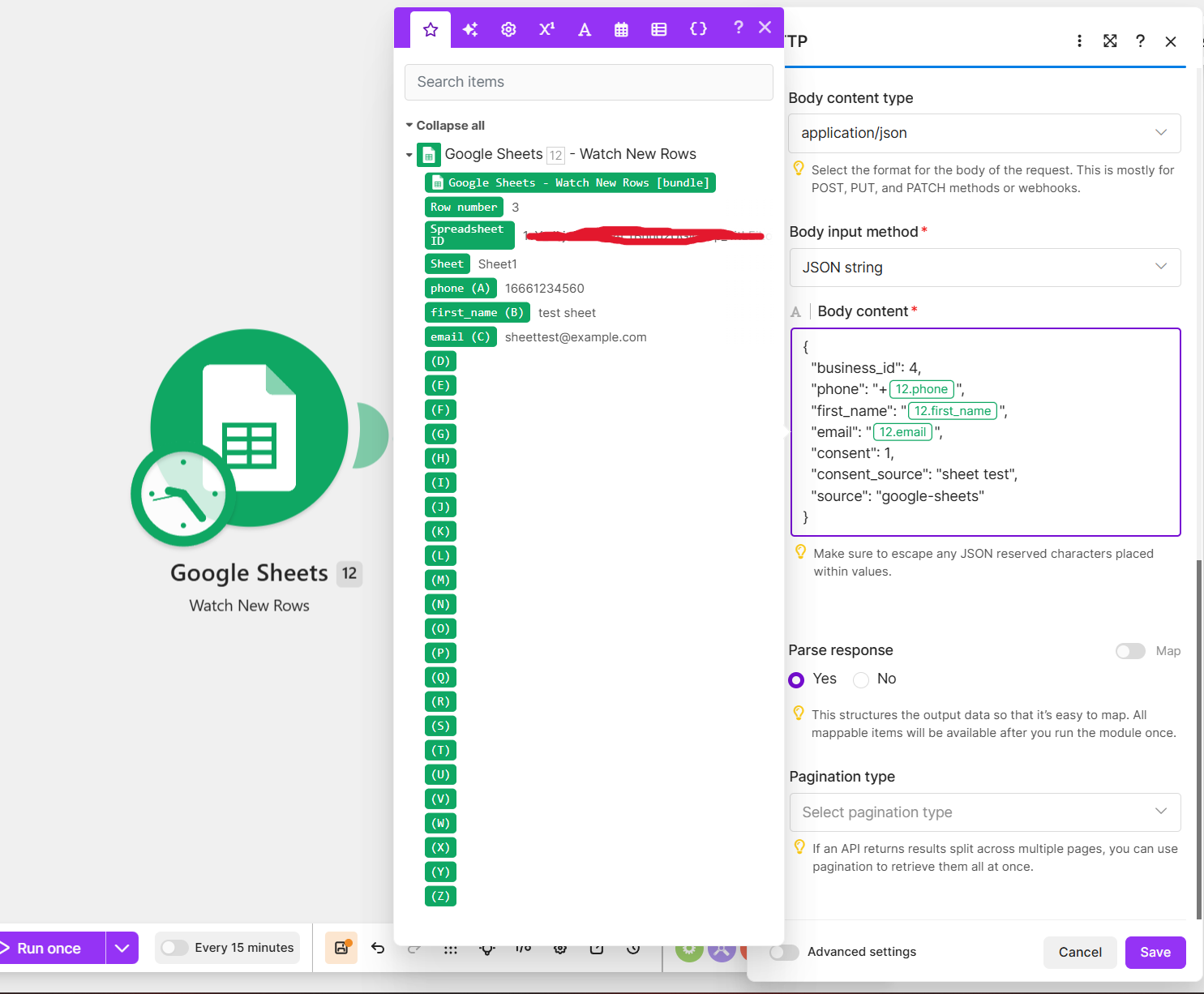
{
  "business_id": 1,
  "phone": "+{phone}",
  "first_name": "{first_name}",
  "email": "{email}",
  "consent": 1,
  "consent_source": "sheet sign-up",
  "source": "make"
}
Use your own Business ID. The {phone}, {first_name} and {email} parts are the columns you click in:
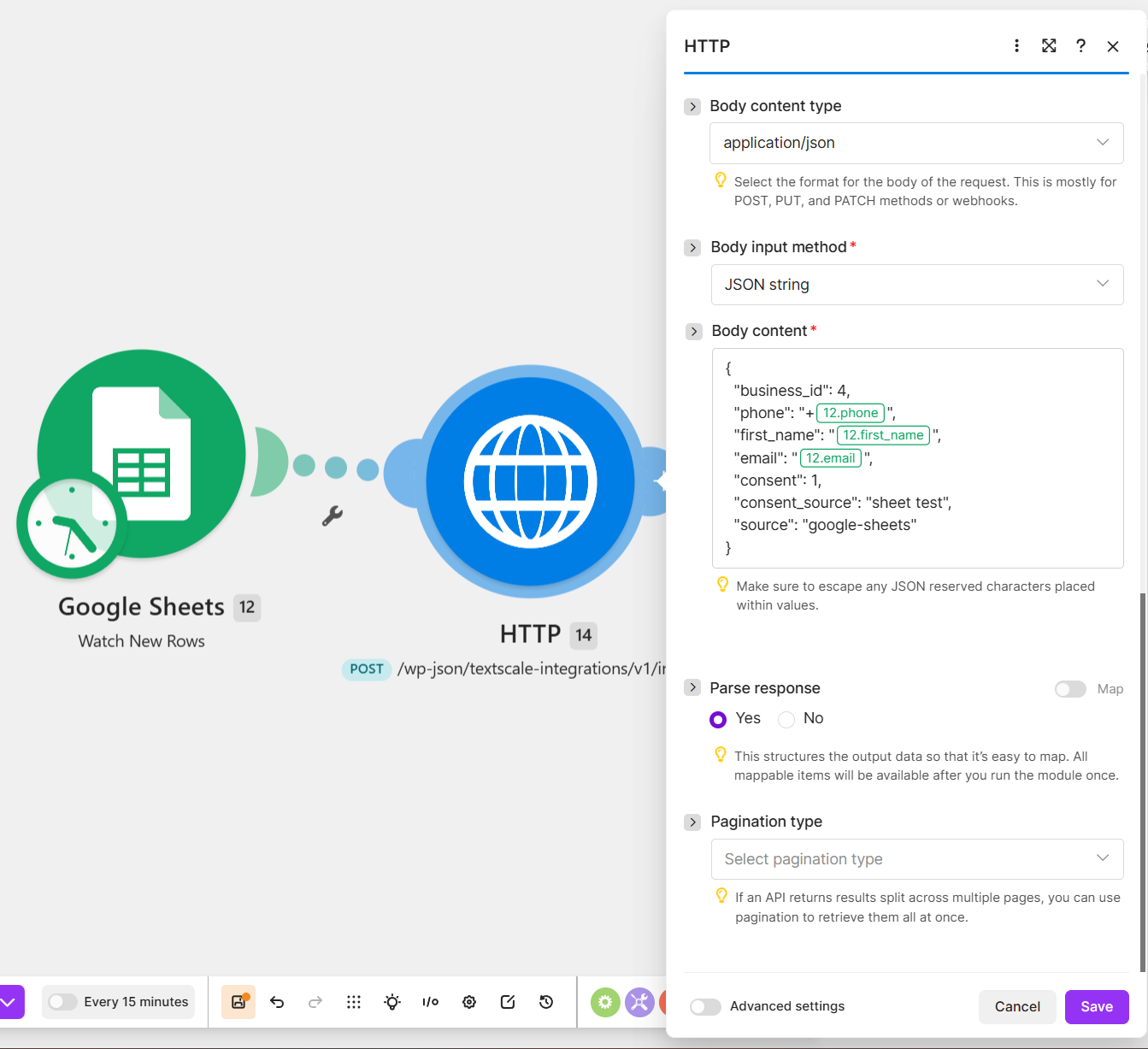
- Keep the quotes around each column you put in. Make adds the value, not the quotes, and without them the JSON is broken and the request is refused (400).
- Type
"consent": 1yourself, as long as everyone in the sheet agreed to texts. If the sheet has a consent column, add a filter on the link before HTTP so only people who agreed go on. - Phone numbers: a + in front of the column, as above, turns
12075550123into+12075550123. US and Canadian numbers also work without it. Numbers from other countries need the + and country code. - To tag these contacts, add
"tags": ["Text Club"], or set tags for every contact on the webhook’s Setup tab.
Set Parse response to Yes, so our answer’s code and message are easy to read in the scenario’s history. Under Advanced settings, set Return error if HTTP request fails to Yes, so Make marks a contact we turn away as an error instead of a success.
5. Run it, then schedule it#
Click Save, then Run once, and add a row to the sheet:
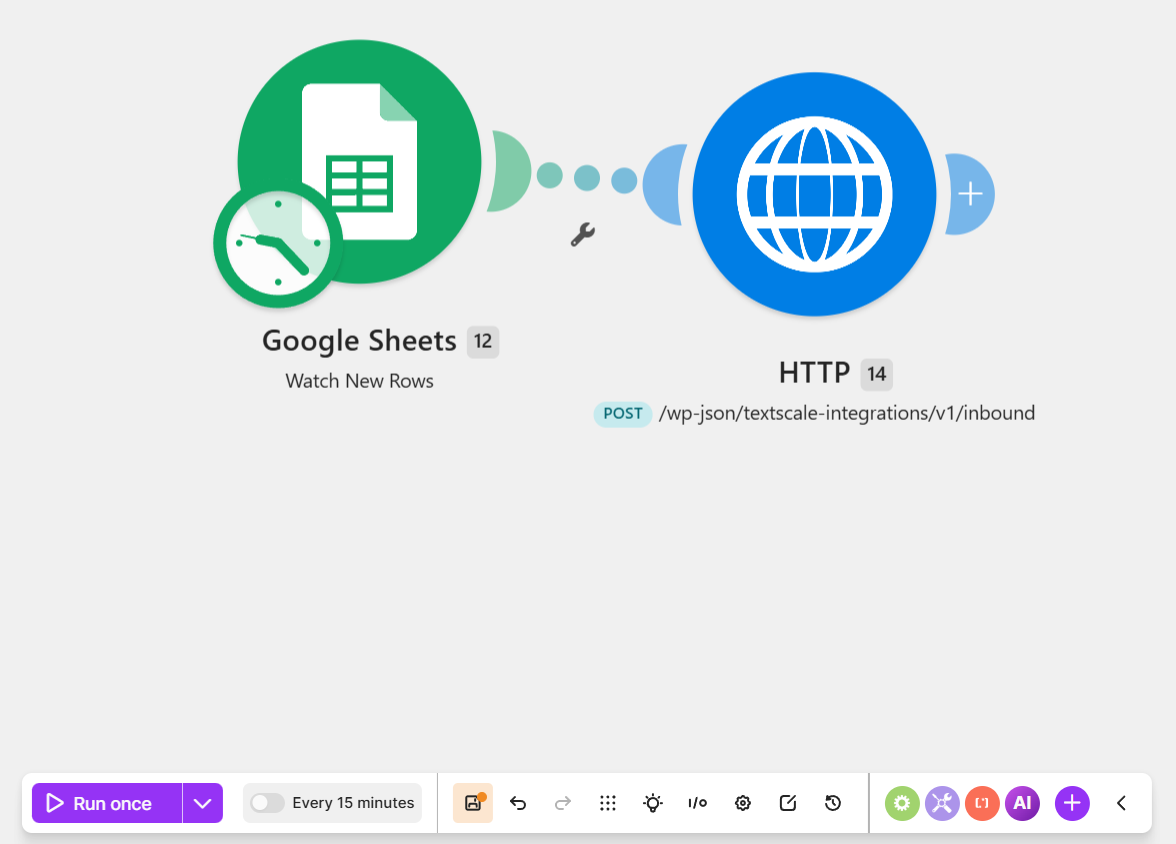
An answer of 200 with "code": "created" means the contact is in: it shows under Integrations › Activity a few seconds later, with make as its source.
If the HTTP module shows something else, the number tells you where to look:
| Answer | What to check |
|---|---|
400 |
The JSON in Body content: usually a missing quote around a column. Or the Business ID. |
401 |
The X-TextScale-Secret header: the secret pasted exactly, with no space at the end. |
409 |
The person opted out earlier, or the business is paused or being deleted. Opt-outs still get through. |
422 |
"consent": 1 is missing, or the phone column is empty or not a number. |
Activity has every request with what happened and how to fix it. See Why a contact is turned away.
When it works, turn the scenario on and choose how often it runs. Every 15 minutes is fine for sign-ups: new rows arrive within a quarter of an hour.
Want each new contact to get a text straight away? Turn on the webhook’s Welcome text. It waits for daytime where the person lives.