Payments and invoices
Your card, your invoices and receipts, and what happens when a payment doesn't go through.
Your plan is paid by card, monthly, through Stripe. This guide covers your card, your invoices, and what happens when a payment doesn’t go through. Open Account in the sidebar, then the Billing tab.
Your card#
Payment method shows the card on file and the day of the month it’s charged.
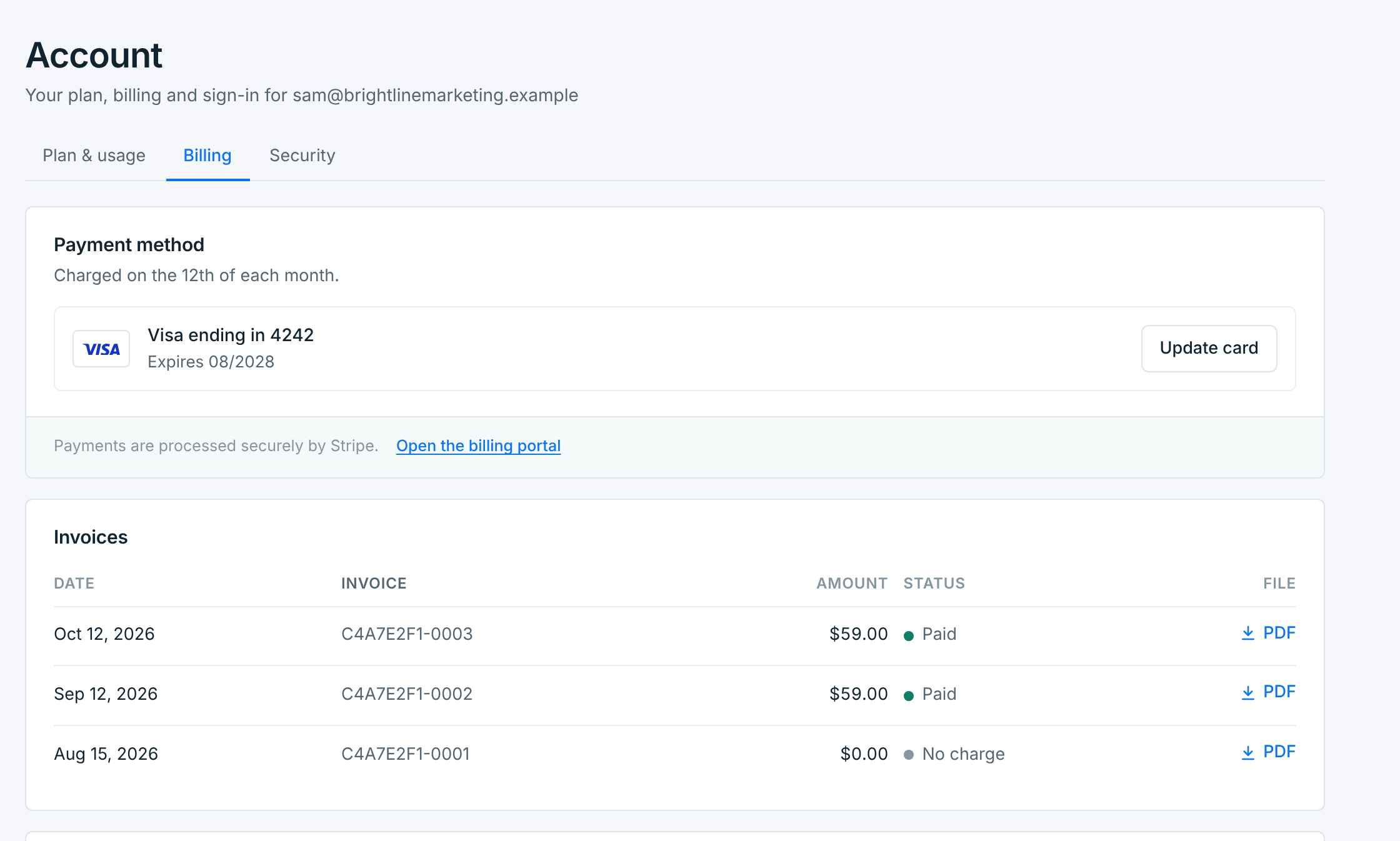
Press Update card to use another one. You enter it on Stripe’s secure page, and it’s used from the next payment. Card details stay with Stripe: TextScaleHQ never sees or keeps your full card number.
Open the billing portal opens Stripe’s own page for your account. There you can change your card, see all your invoices, or cancel your plan at the end of its period. It isn’t offered while a payment is failing: update your card here, or use Cancel now.
Invoices#
Invoices lists your 10 latest, newest first, each with a PDF to download. Older ones are in the billing portal.
| Status | Means |
|---|---|
Paid |
Charged to your card. |
No charge |
A $0 invoice: for example, from picking a plan during your free trial. |
Due |
Not paid yet. A payment that didn’t go through stays Due while Stripe tries again. |
Void |
Canceled: there’s nothing to pay. This happens to a payment that didn’t go through when you cancel the plan. |
Unpaid |
Stripe stopped trying to collect it. |
Each time your card is charged, we email you a receipt with the amount and the card.
When a payment doesn’t go through#
If your card is declined, nothing stops straight away: you have 7 days to fix it. A banner on every page and the notice on Plan & usage say by when, and we email you.
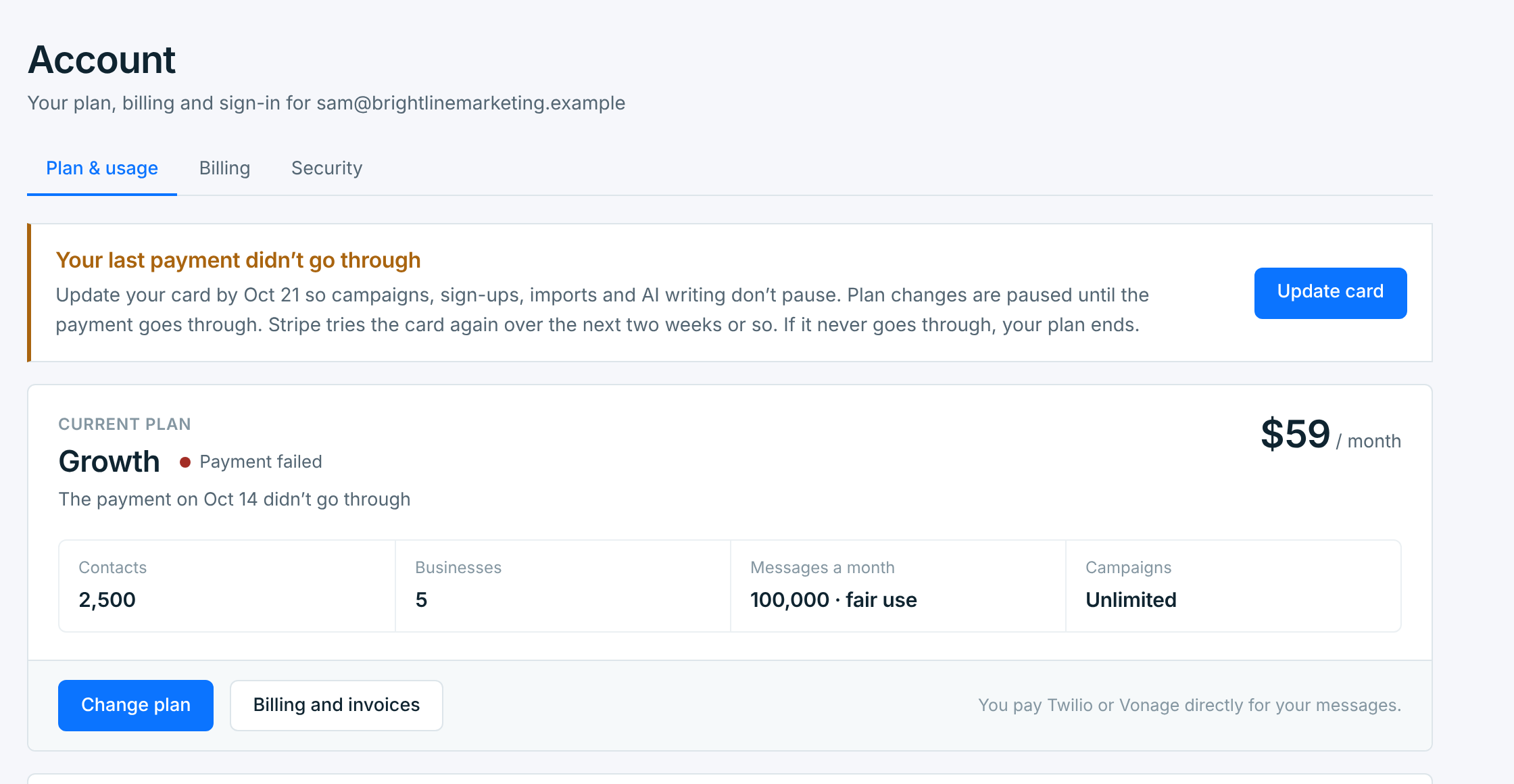
- Stripe tries the card again over the next two weeks or so.
- Plan changes are paused until the payment goes through.
- Everything else works as usual for the 7 days.
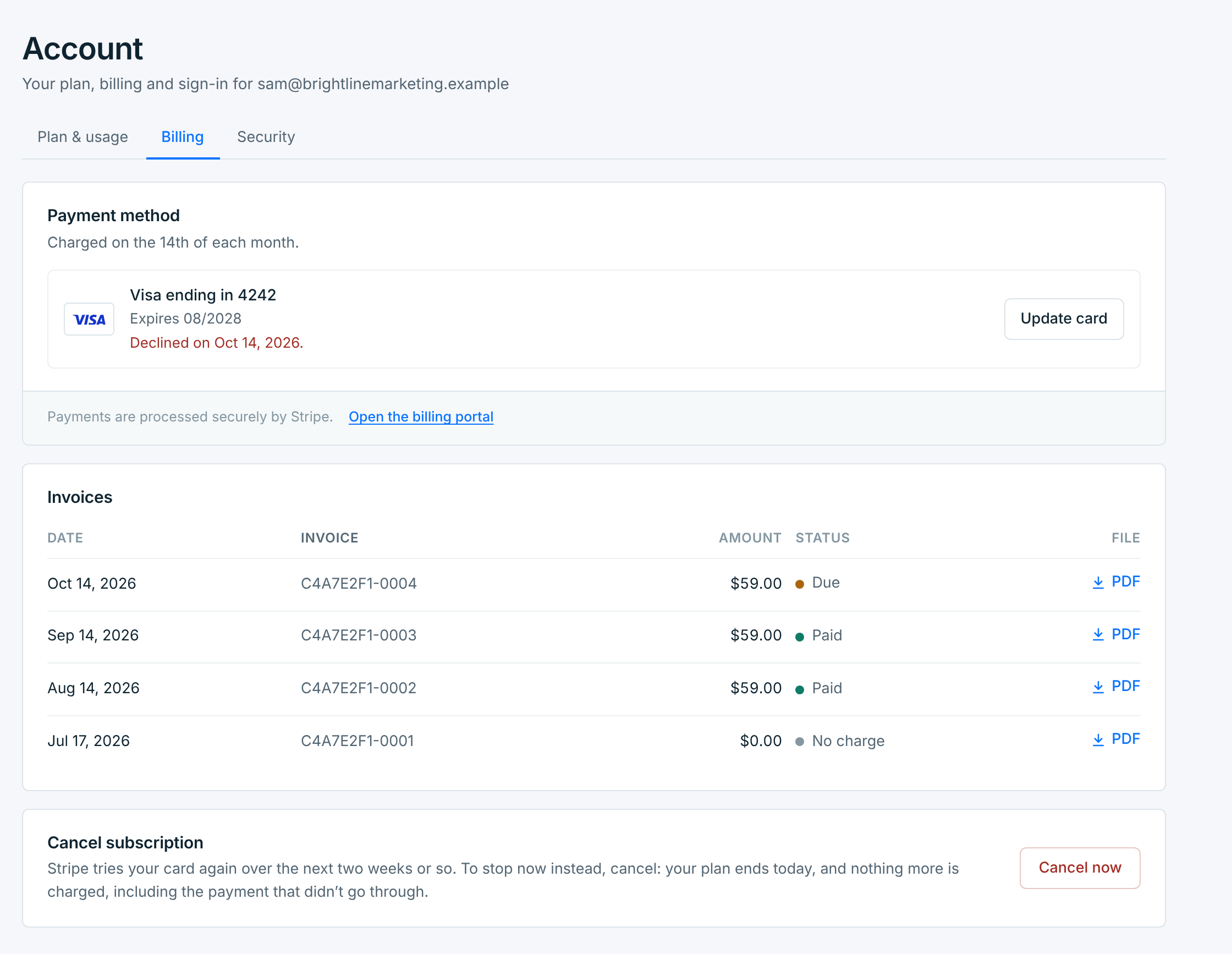
On Billing, the card says when it was declined, and the invoice reads Due.
Update your card#
On Billing, press Update card (the banner’s button takes you there) and enter a card on Stripe’s page. The payment is tried again straight away. Once it goes through, you’re back to normal.
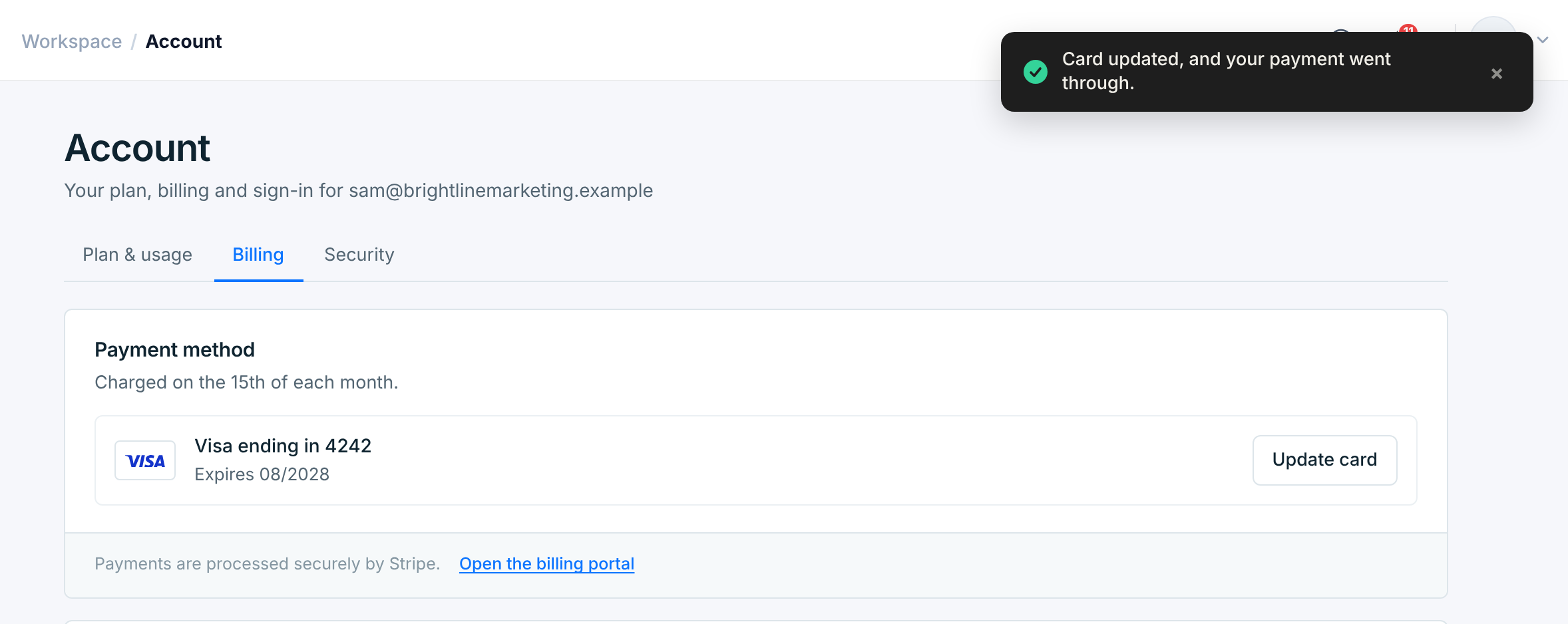
If the new card is declined too, Account says so. Try another card.
After 7 days#
If the payment still hasn’t gone through, the account is locked until it does: campaigns, sign-ups, imports and AI writing pause, the same as when a free trial ends (see Your plan and trial). The banner turns red, and we email you.

Update your card and the payment is tried again. Once it goes through, everything starts again. If Stripe’s retries never go through, your plan ends; you can choose a plan again any time.
Cancel now#
Rather stop than pay? While a payment is failing, Cancel subscription on Billing reads Cancel now. Your plan ends that day, and nothing more is charged, including the payment that didn’t go through: its invoice becomes Void. The account is then locked until you choose a plan again. Your contacts and campaigns are kept.
Your plan doesn’t cover the texts themselves. Twilio or Vonage bill you directly for those, on your account with them.