When a campaign doesn’t go out
Blocked, stopped and unfinished campaigns, a paused business, and how to send them once it's fixed.
Most campaigns go out at their time without you doing anything. This guide covers the ones that don’t: where they show up, why it happened, and how to send them once it’s fixed.
Where you’ll see it#
When a campaign didn’t go out in the last 30 days, a red note sits at the top of Campaigns. It names the campaign and the reason, with a button to fix it:

See why opens the campaign. The × hides the note here and on your Dashboard. It comes back the next day, or straight away if another campaign doesn’t go out. The Needs attention button above the list turns red and lists every campaign that didn’t go out or didn’t finish:
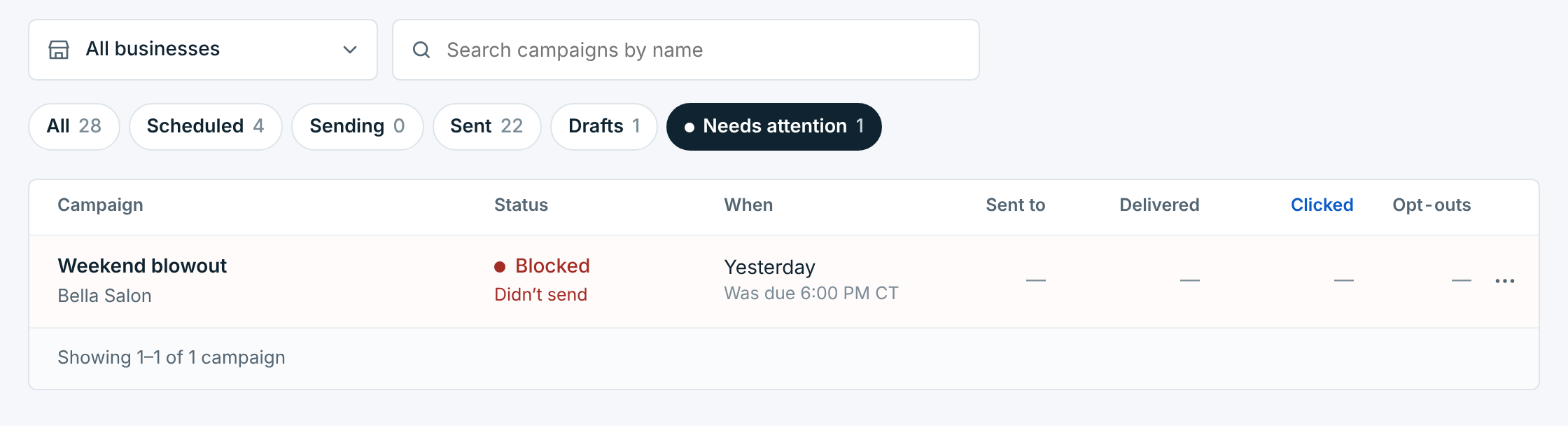
A campaign that was blocked#
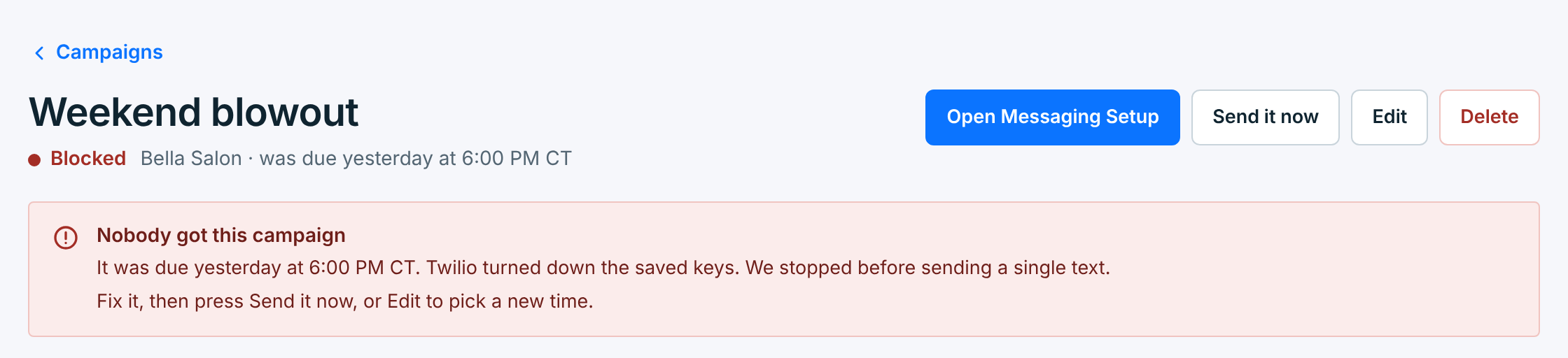
Blocked means it was due, but something stopped it before a single text went out. Nobody got it, and nothing was billed. Its page says what stopped it:
| Reason | What to do |
|---|---|
The carrier turned down the saved keys |
The keys were changed or reset at Twilio or Vonage. Paste the current ones in Messaging Setup. See Connect Twilio or Connect Vonage. |
The number isn't registered, or its registration is in review or was rejected |
Carriers block a toll-free number’s texts until it’s verified. See How toll-free approval works. |
No carrier connected, or no number |
Connect Twilio or Vonage, and add a number, in Messaging Setup. |
A Twilio trial account |
Upgrade the Twilio account. A trial can’t send your message. |
Business is paused |
Resume the business on Businesses (below). |
Account was locked |
Your account was locked when it was due: a free trial or a plan that ended, or a payment that didn’t go through for 7 days. Choose a plan, or update your card, in Account, then send it again. See Your plan and trial. |
Fill in [OFFER] first |
The message still has a template’s words in brackets. Edit it and fill them in. |
Once it’s fixed, Send it now sends it straight away; outside 8 AM to 7:30 PM in the business’s time zone, it’s scheduled for the next morning instead, and says so. Or Edit it to pick a new time. A blocked campaign never goes out by itself: a promotion meant for Saturday shouldn’t arrive on Tuesday.
Most of these show up before the campaign is due. A scheduled campaign’s page warns This will be blocked unless it’s fixed, with the time to fix it by, and the list says Will be blocked under its status. See Schedule a campaign.
A business that can’t send#
While a business can’t send, New campaign says why under its first step:
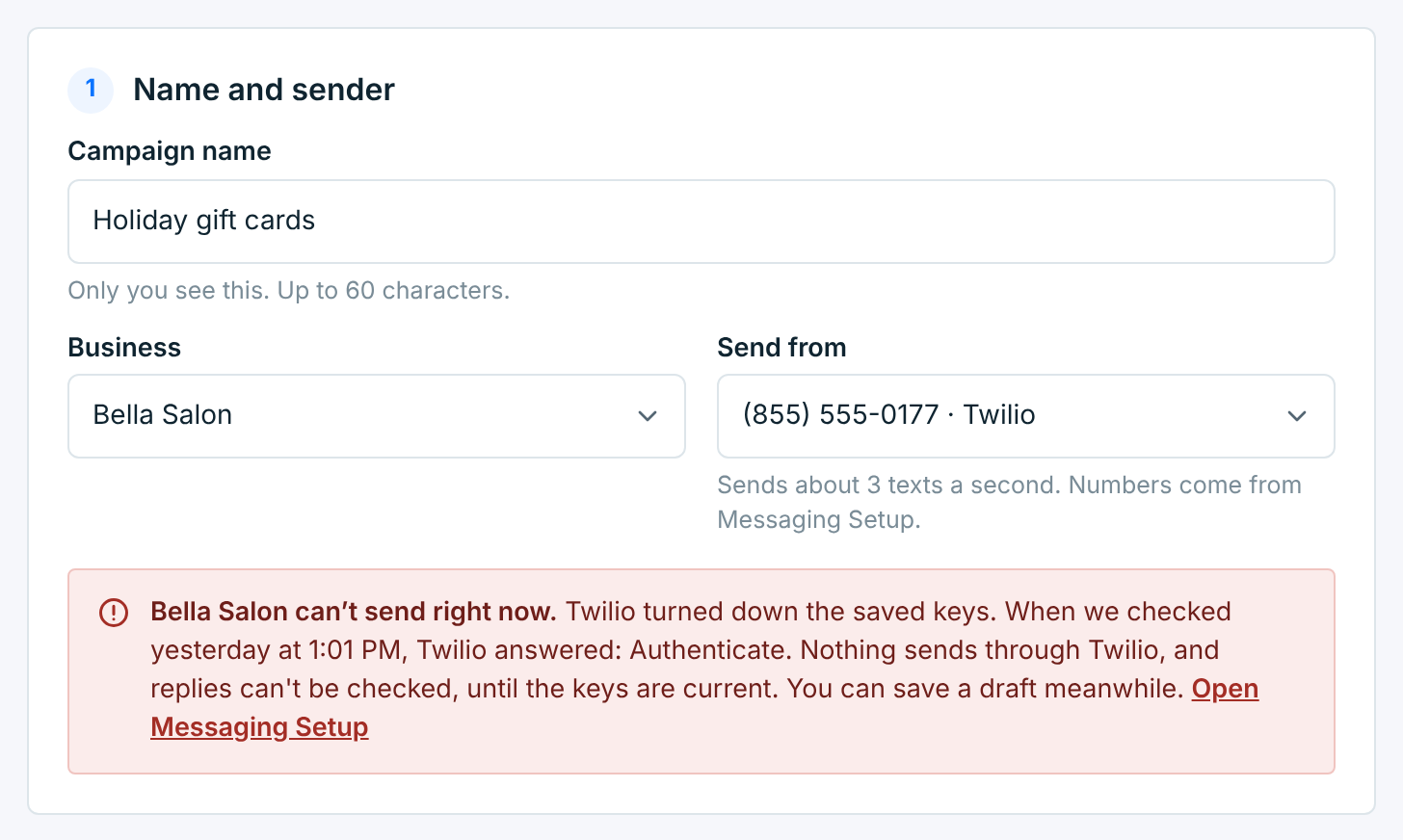
You can write the campaign and save it as a draft, but not send or schedule it until it’s fixed. A campaign that’s already scheduled can still be changed, and stays scheduled.
A campaign you stopped, or that didn’t finish#
Stopped means you pressed Stop sending while it went out. Its page says how far it got:
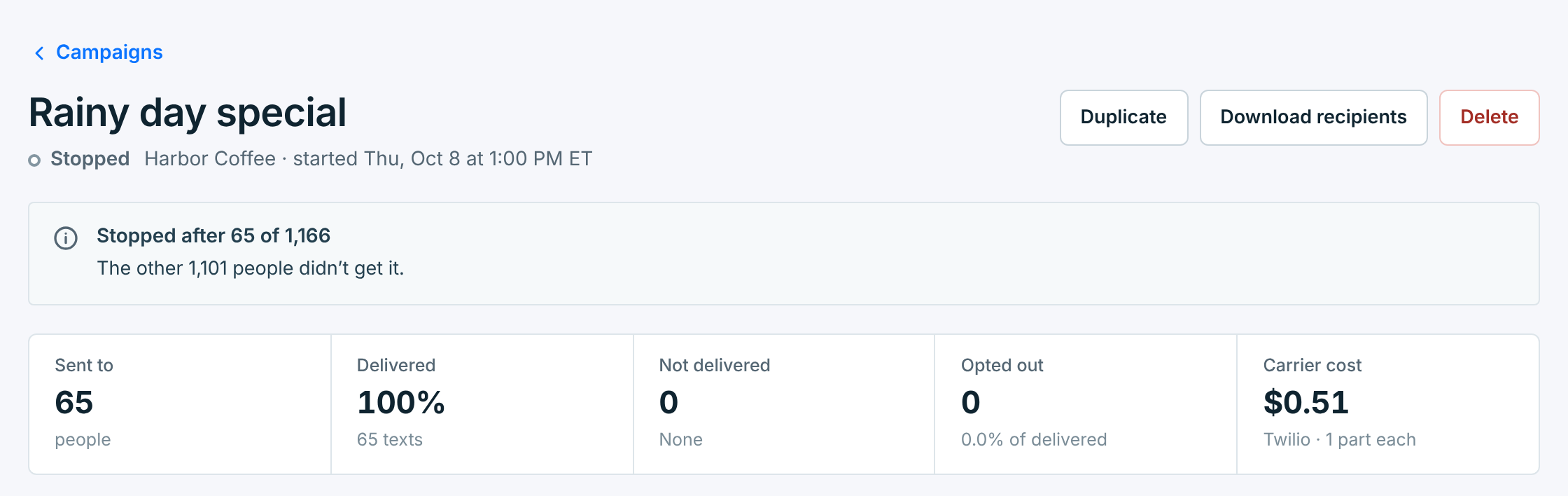
The people it reached keep it, and its results count them. Failed with Didn’t finish under it means it started, then stopped part way by itself. Either way, nobody else gets it, and it can’t start again.
To reach the rest, Duplicate it and send the copy. Within 24 hours of the first, the 24-hour skip leaves out the people who already got it.
A paused business#
A paused business sends nothing. Its campaigns stay on the list, and the picker names it · paused. A scheduled campaign’s page says it won’t go out while the business is paused:
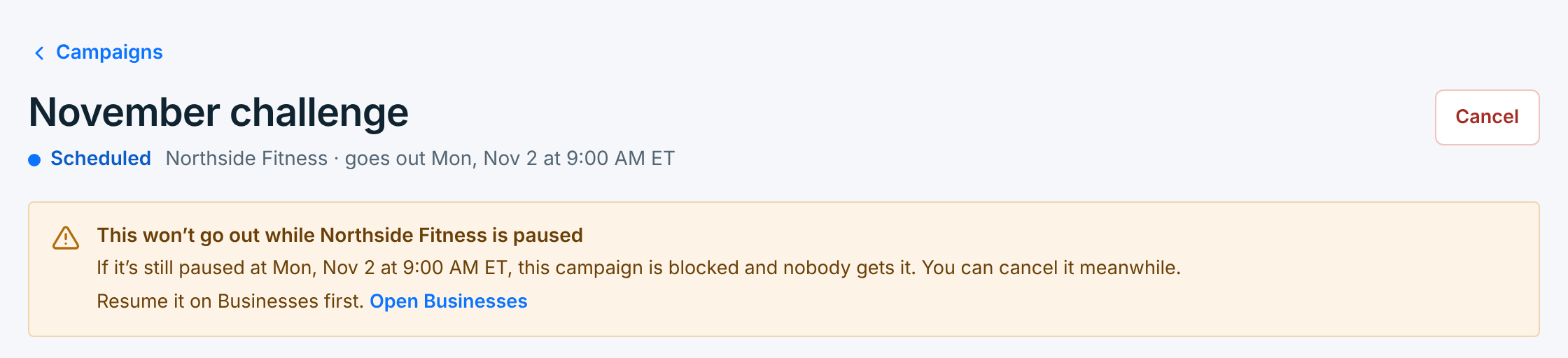
- A scheduled campaign still waits. If the business is still paused at its time, it’s blocked, and nobody gets it. You can cancel it meanwhile.
- A recurring campaign skips each send that’s due while the business is paused. Skipped sends aren’t sent later.
- Its drafts can’t be edited or sent, and its campaigns can’t be copied, until it’s resumed. Results, downloads, canceling and deleting work as usual.
Resume the business on Businesses. A campaign blocked while it was paused doesn’t go out on its own: send it or reschedule it. See Edit, pause and delete a business.