A contact’s page
The proof they agreed, every text they got, and editing, unsubscribing or deleting one contact.
Click anyone on the Contacts screen to open their page beside the list. It shows whether they can get your texts, the proof that they agreed, every text you’ve sent them, and what you can change. On a phone it opens full screen, with a back arrow.
The top of the page#
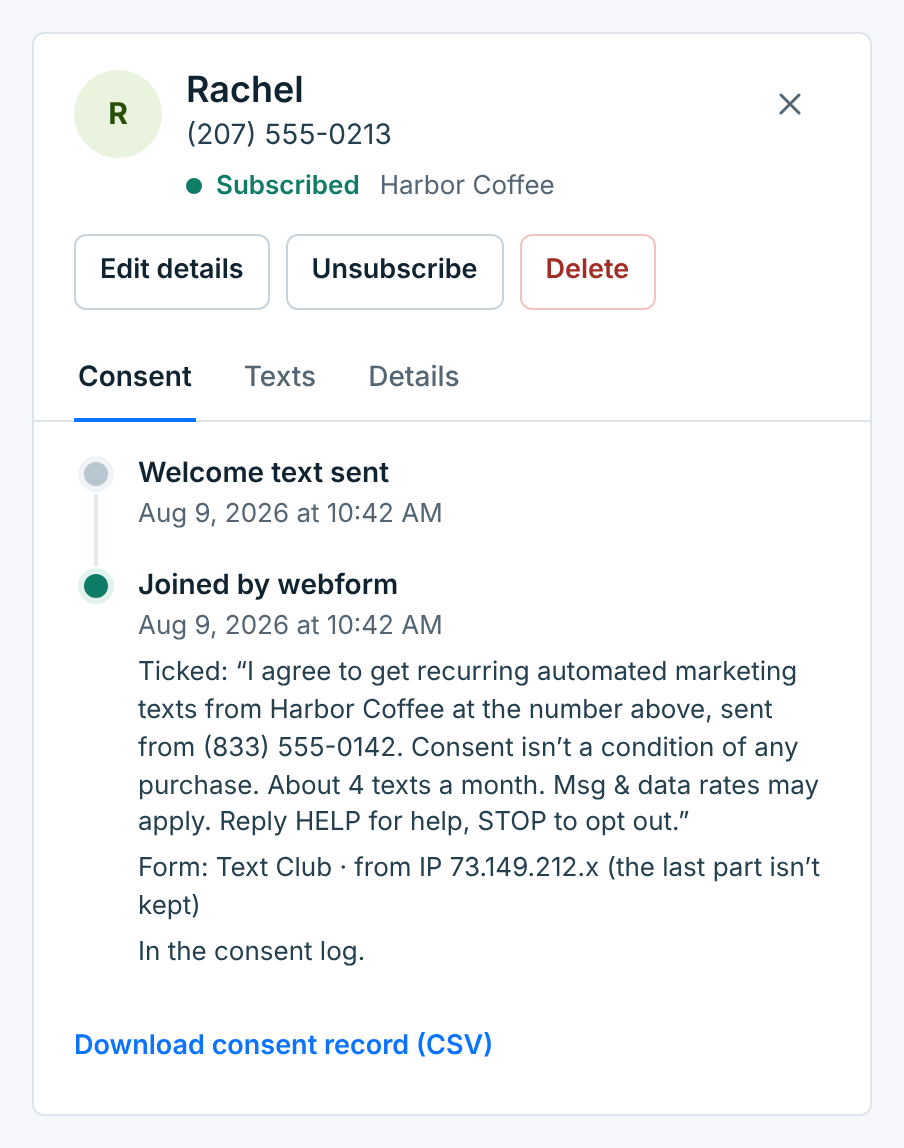
Their name, number, status and business, then three buttons:
| Button | What it does |
|---|---|
Edit details |
Change their name, email and tags. See Edit details. |
Unsubscribe |
Stop texting them. Only shows while they’re subscribed. See Unsubscribe. |
Delete |
Take them off your list. See Delete. |
Under the buttons are three tabs: Consent, Texts and Details.
Consent#
The Consent tab is the record of how this person agreed to your texts and every change since, newest at the top. It’s what you’d show if anyone ever asked.
The line for how they joined carries the proof we have for that way in:
| Joined | The proof shown |
|---|---|
Joined by webform |
The exact words they ticked, the form’s name, and the first three parts of their IP address (we don’t keep the last). |
Joined by keyword |
The keyword they texted and the number they texted from. |
Joined by import |
The file’s name, and that you confirmed everyone in it agreed. |
Joined through Integrations |
The app that sent them, the consent source it sent with them, and the app’s own word for how they joined, if it sent one (the app said “website_form”). |
Added by you |
Who added them, how you said they agreed, and that you confirmed it. |
Added as opted out |
They came in an import that marked them as opted out, or your app sent them as opted out, so no consent to texts is on file, and the file’s name. They’re never texted unless they text START. |
Other lines you may see: Welcome text sent, Opted out: texted STOP, Unsubscribed by you, Opted out at …, which you deleted (an opt-out carried over from a business you deleted), Rejoined: texted START, and Texted START: not rejoined (your plan’s contact limit was full, so they’re still opted out). In the consent log means the change is also in your account’s consent log, which keeps opt-ins and opt-outs for 4 years, even after a contact or business is deleted.
If the same number is also a contact of another of your businesses, a note says so and whether they’re subscribed there. Each business keeps its own opt-in and opt-out.
Download consent record (CSV) saves all of it in one file: the contact, how and when they joined, the consent words, the page and IP, the keyword or file, the consent source and your privacy and terms links, the welcome text and any opt-out, then every entry in the consent log for this number at this business. Times are in the business’s time zone.
Texts#
Every text this business sent them in the last 6 months, oldest at the top: the welcome text and each campaign, by name, with whether it was delivered. Their replies sit on the right.
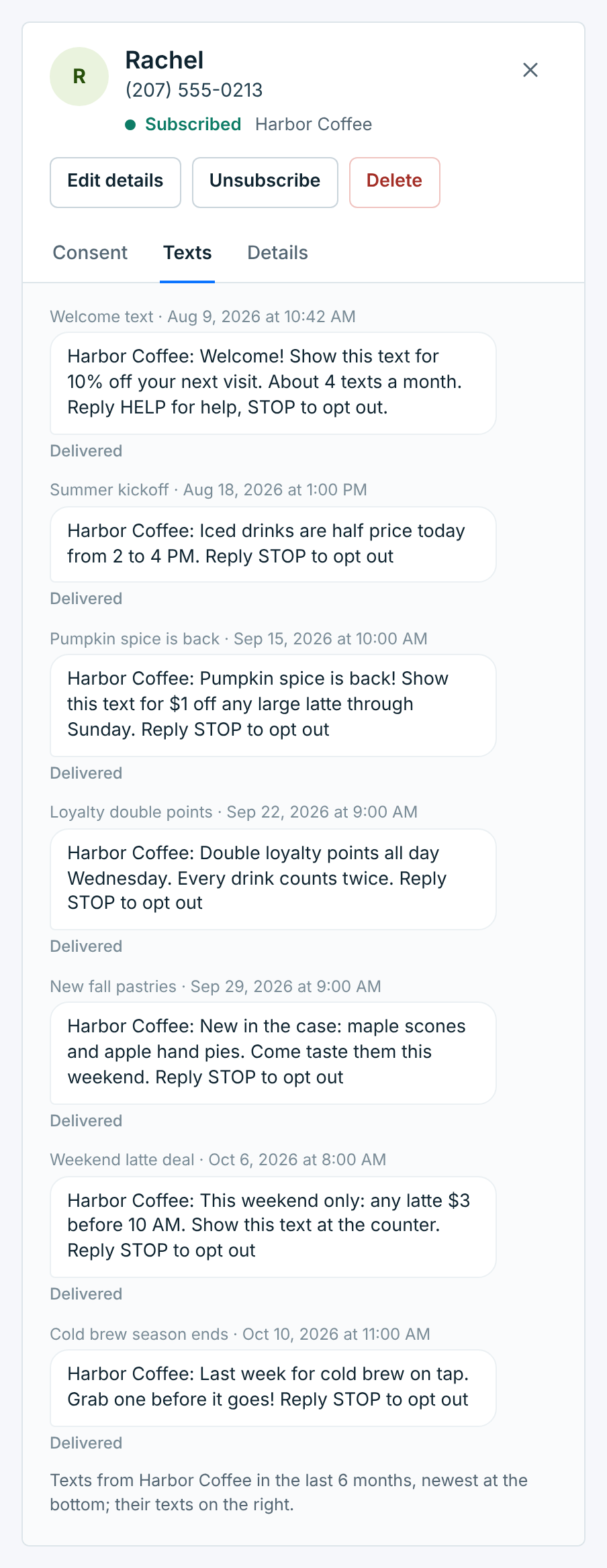
It shows 20 at a time. Show older texts loads the next 20.
Details#
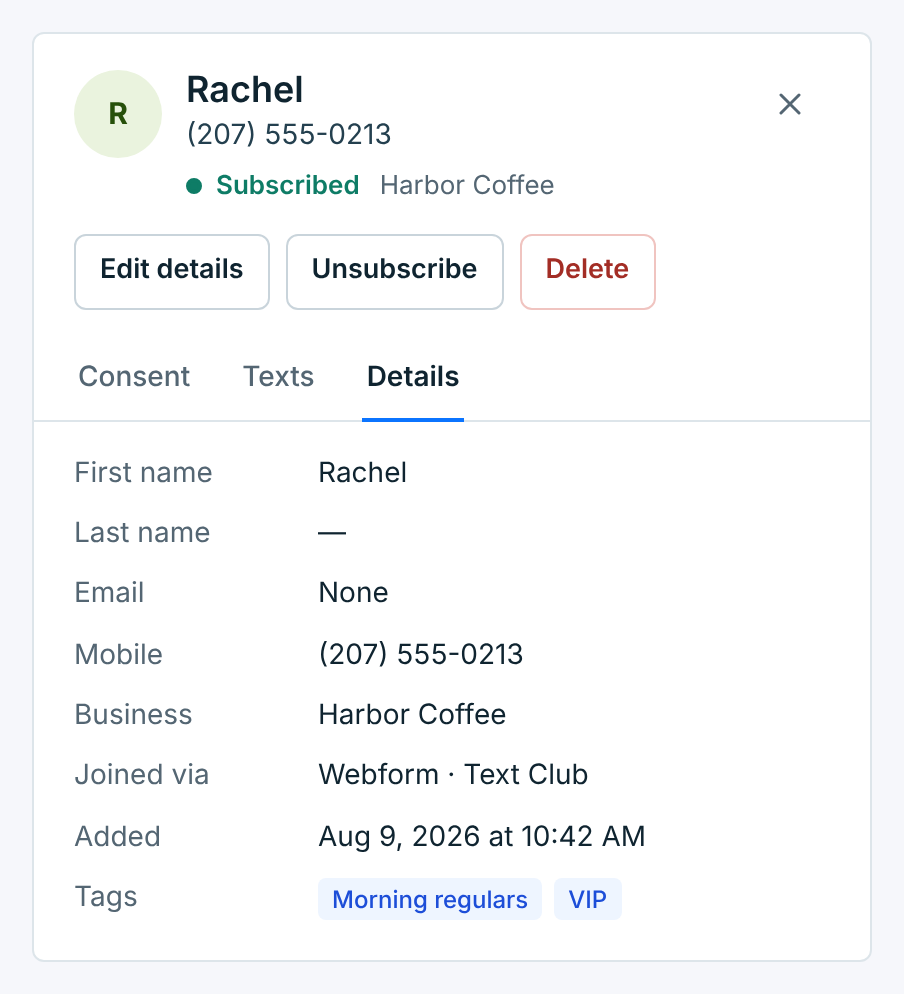
Names, email, mobile number, business, how they joined, when they were added, and their tags.
Someone who opted out#
When someone texts STOP, a red note at the top says when, and the Unsubscribe button goes. Here Ava texted STOP after the weekend latte deal:
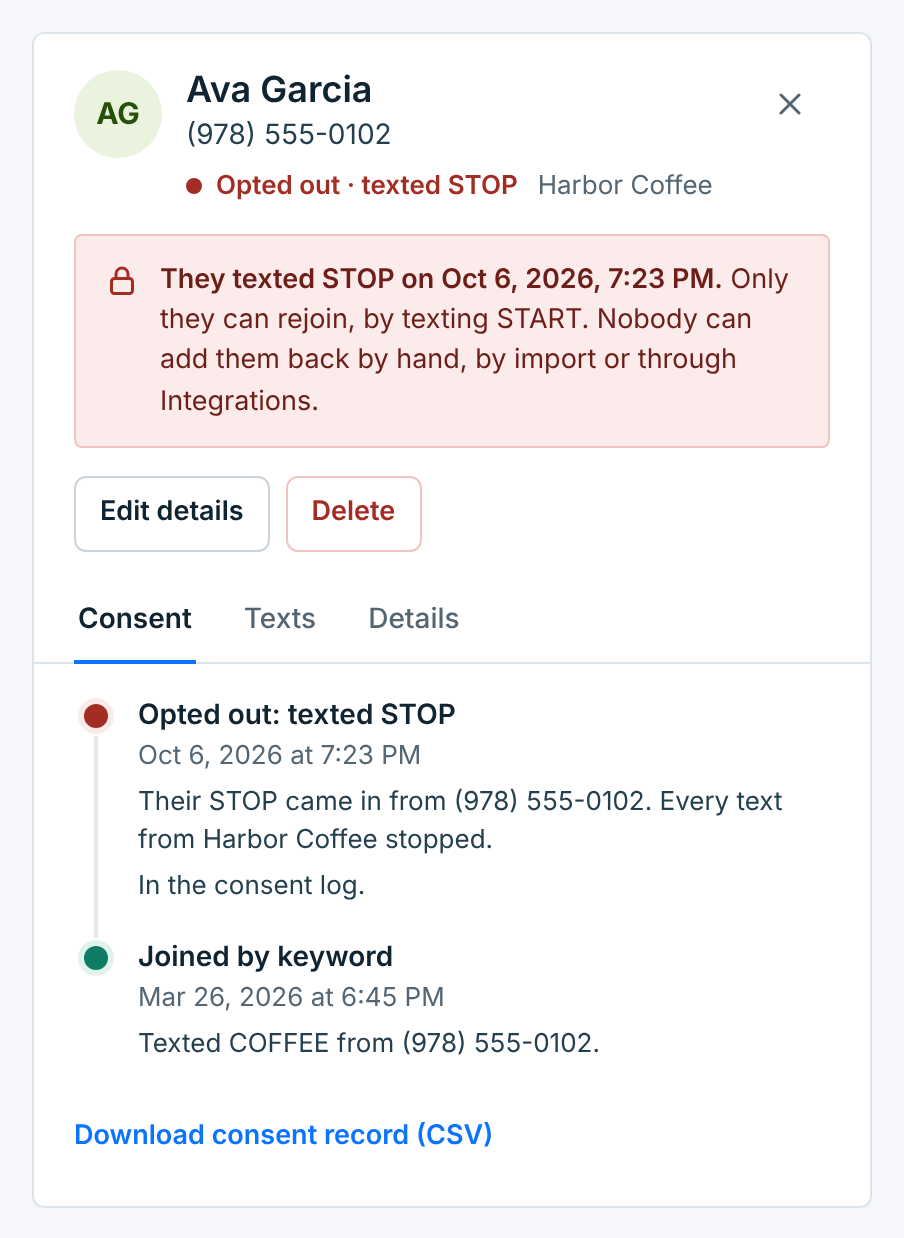
The Consent tab shows the STOP and the number it came from. The Texts tab shows their STOP reply under the last text they got.
Someone you unsubscribed gets a grey note instead, with who did it and when:
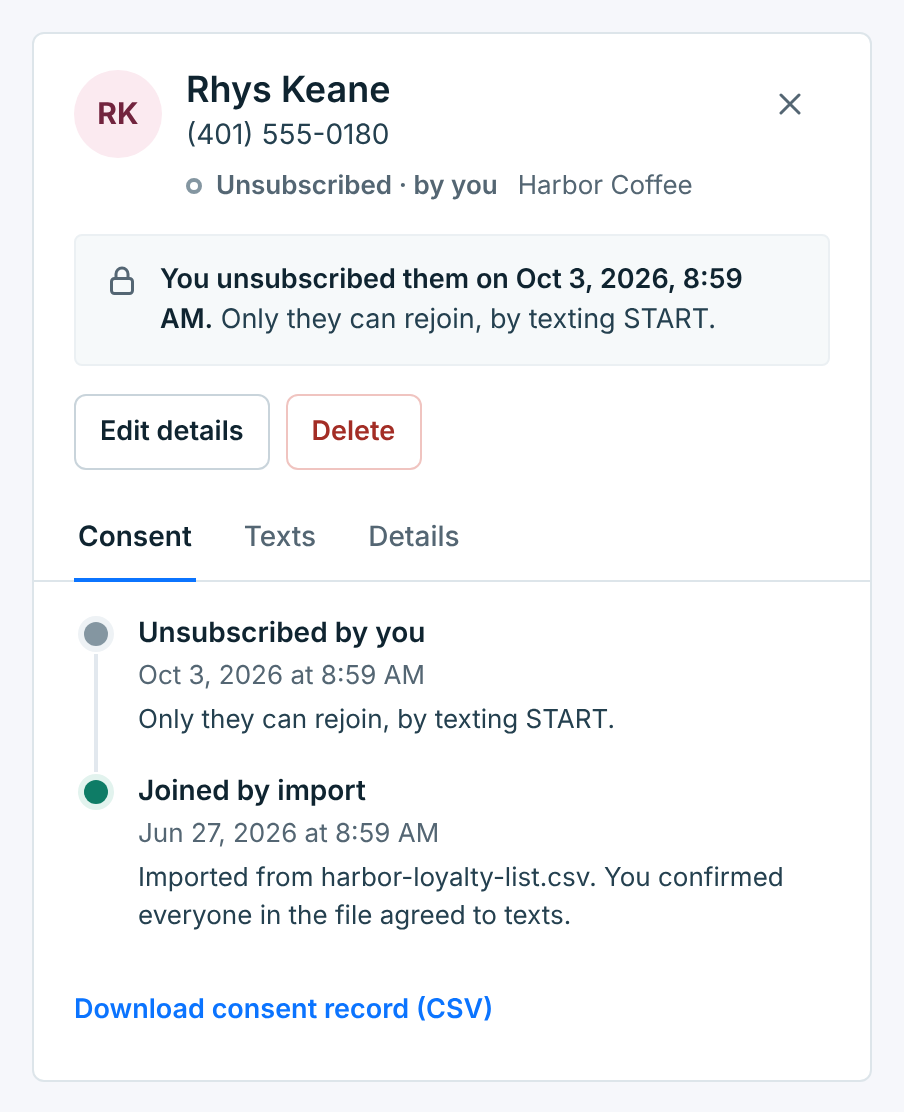
Either way, only they can rejoin, by texting START to the business’s number. Nobody can add them back by hand, by import or through Integrations, and that includes you. It’s how carriers handle STOP, and it keeps you on the right side of the opt-out rules.
Edit details#
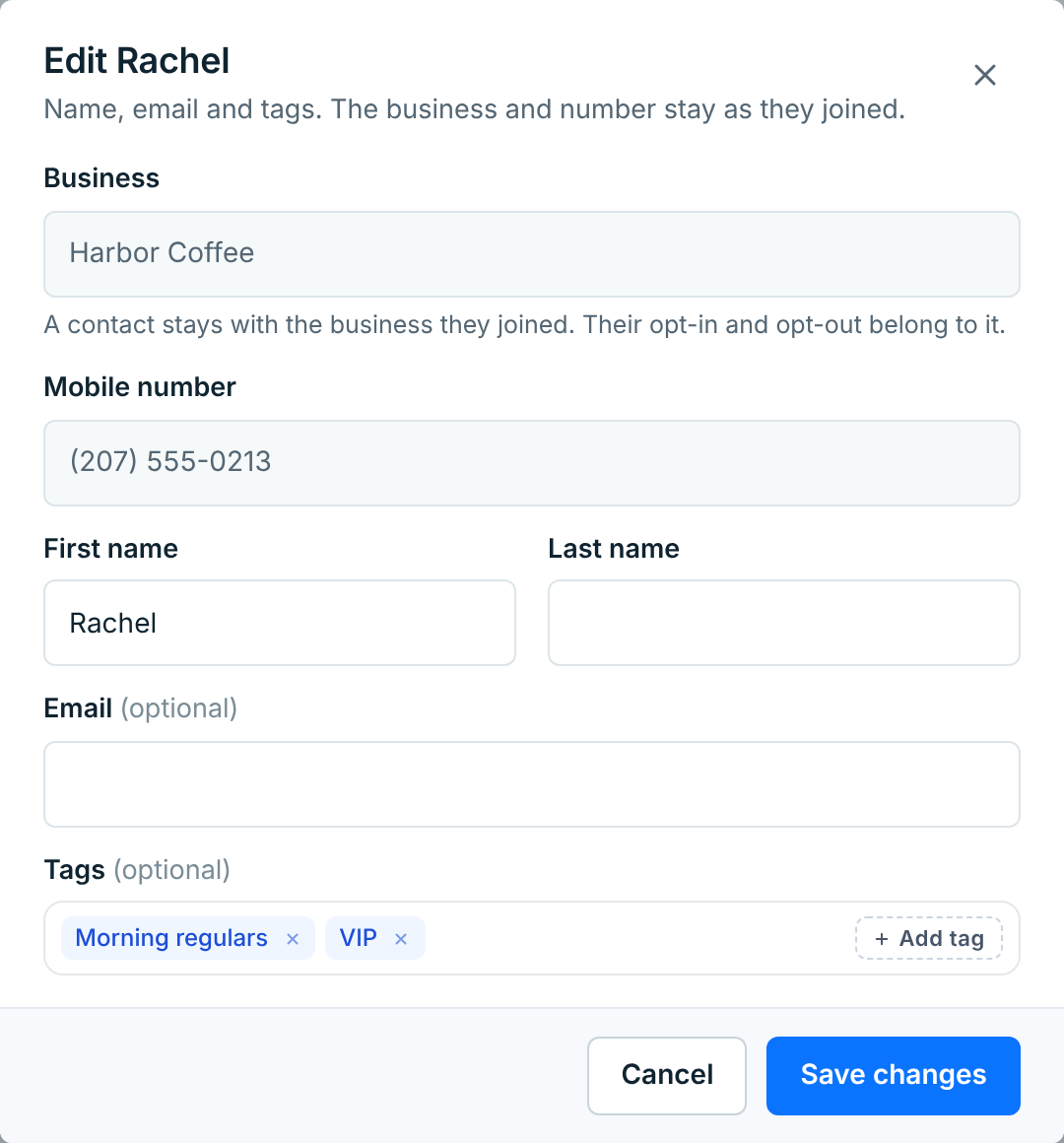
You can change their first and last name, email and tags. The business and the number stay as they joined: their opt-in and opt-out belong to that business, and their texts belong to that number.
To text the same person from another of your businesses, add them to that business with Add contact, once they’ve agreed to texts from it too.
Unsubscribe#
Use this when someone asks you to stop, in person, on the phone or by email. Someone who texts STOP is unsubscribed for you.
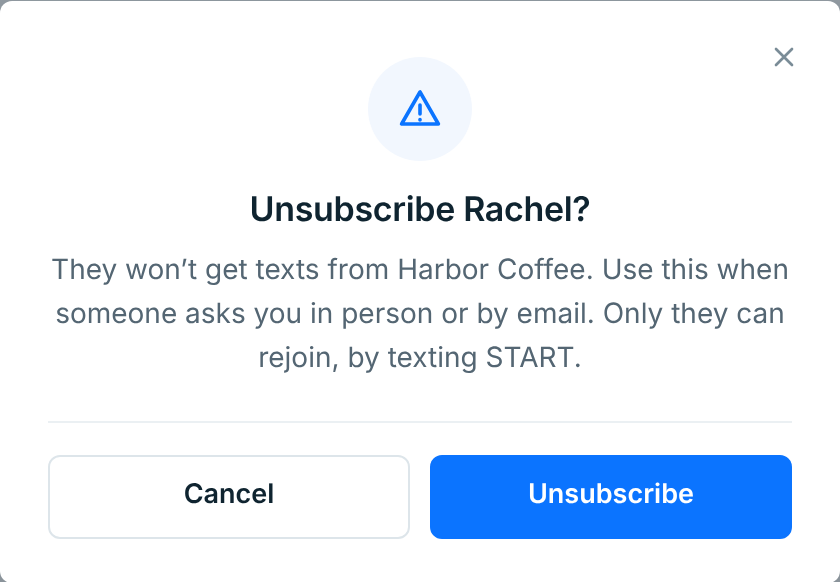
They stop getting this business’s texts straight away, and their status becomes Unsubscribed · by you. It can’t be undone from the dashboard: only they can rejoin, by texting START.
Delete#
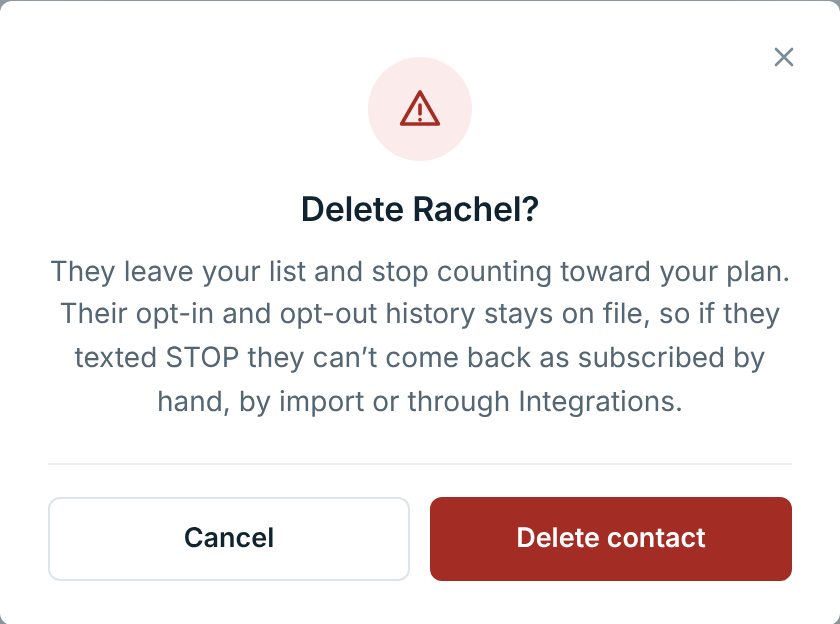
A deleted contact leaves your list and stops counting toward your plan. Their opt-in and opt-out history stays on file. If they had texted STOP, they stay opted out even if their number turns up again in an import or a form.
To delete many contacts at once, select them on the Contacts screen. See Your contacts.
A paused business’s contacts#
When the business is paused, a note at the top says so:
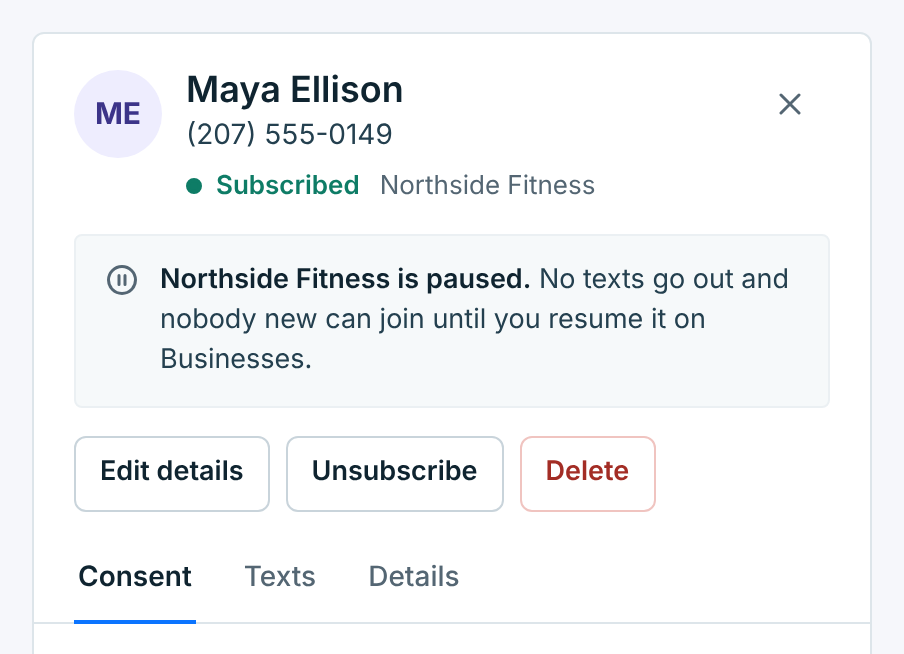
Nothing is sent to them until you resume the business on Businesses. Everything on their page still works: you can edit, tag, unsubscribe or delete them.